Compare
PandaDoc Alternatives for Document Workflows
Compare PandaDoc alternatives for proposals, e-signatures, and sales workflows, plus a Notion-focused way to generate documents from database records.
By Sanat Biswal · 2026-11-12 · 9 min read

{/ synced-from-notion — do not edit manually /}
Looking for PandaDoc alternatives usually means one part of your document workflow needs a better fit. These six tools focus on proposals, deal engagement, or electronic signatures. If your documents start in Notion, PDFOutput takes a different route: it turns database records into files through a template-based workflow.
Table of Contents
1. Proposify: Proposal control for sales teams
Proposify is proposal software for sales teams that want control over the proposals they send. It lets teams create, send, track, and e-sign proposals, with automation for signature steps and proposal tracking.
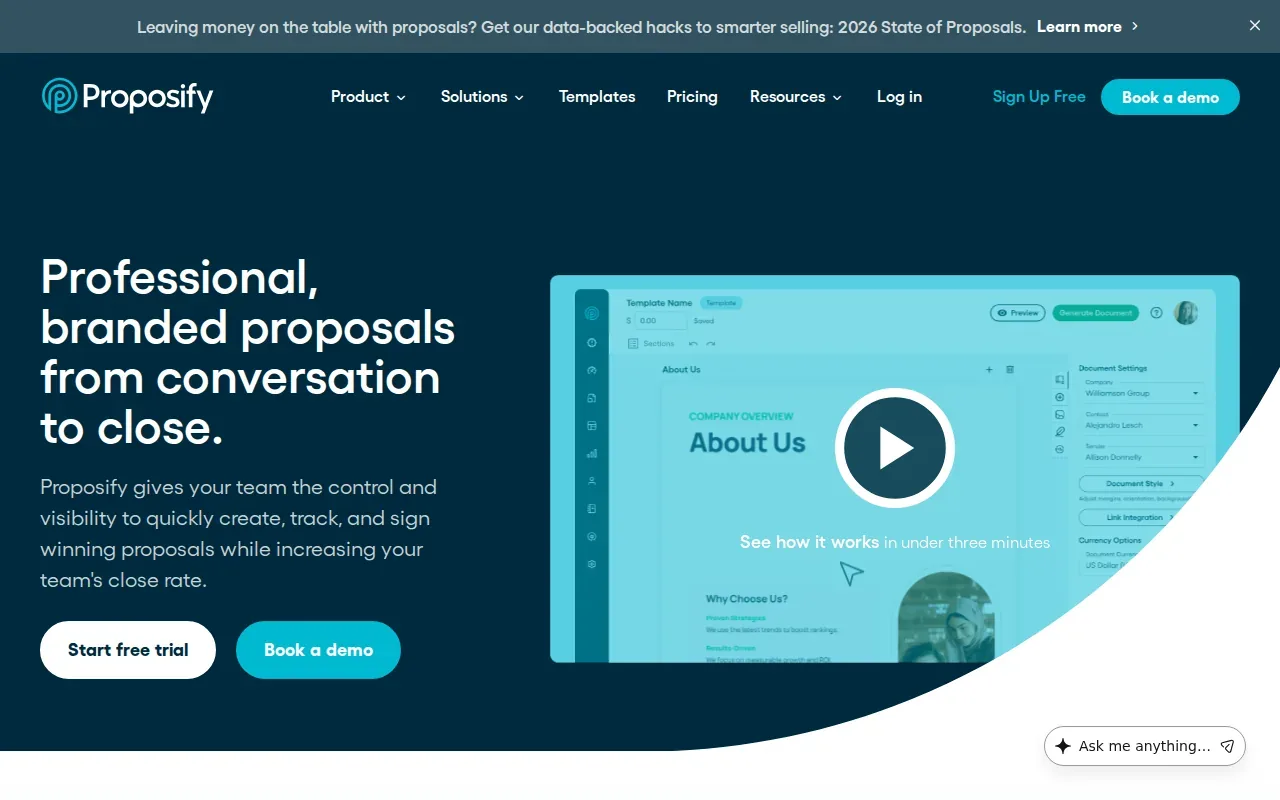
It’s a fit for sales teams that send proposals often and want a repeatable process. A team can use a shared proposal workflow instead of asking each rep to build every file from scratch. Tracking also gives the team a way to follow proposal activity as part of its sales process.
Proposify’s Build plan starts at $35 per user per month when billed annually. That makes the per-seat cost worth checking against how many people need to prepare or manage proposals.
Proposify is closest to PandaDoc when the core job is proposal creation and signing. It’s less aligned with teams whose main need is producing routine PDFs from Notion records.
2. Qwilr: Interactive, web-based proposals
Qwilr turns proposals into interactive web pages rather than traditional documents. A sales team can share a web-page proposal when it wants the buyer to view the offer online instead of opening a file attachment.
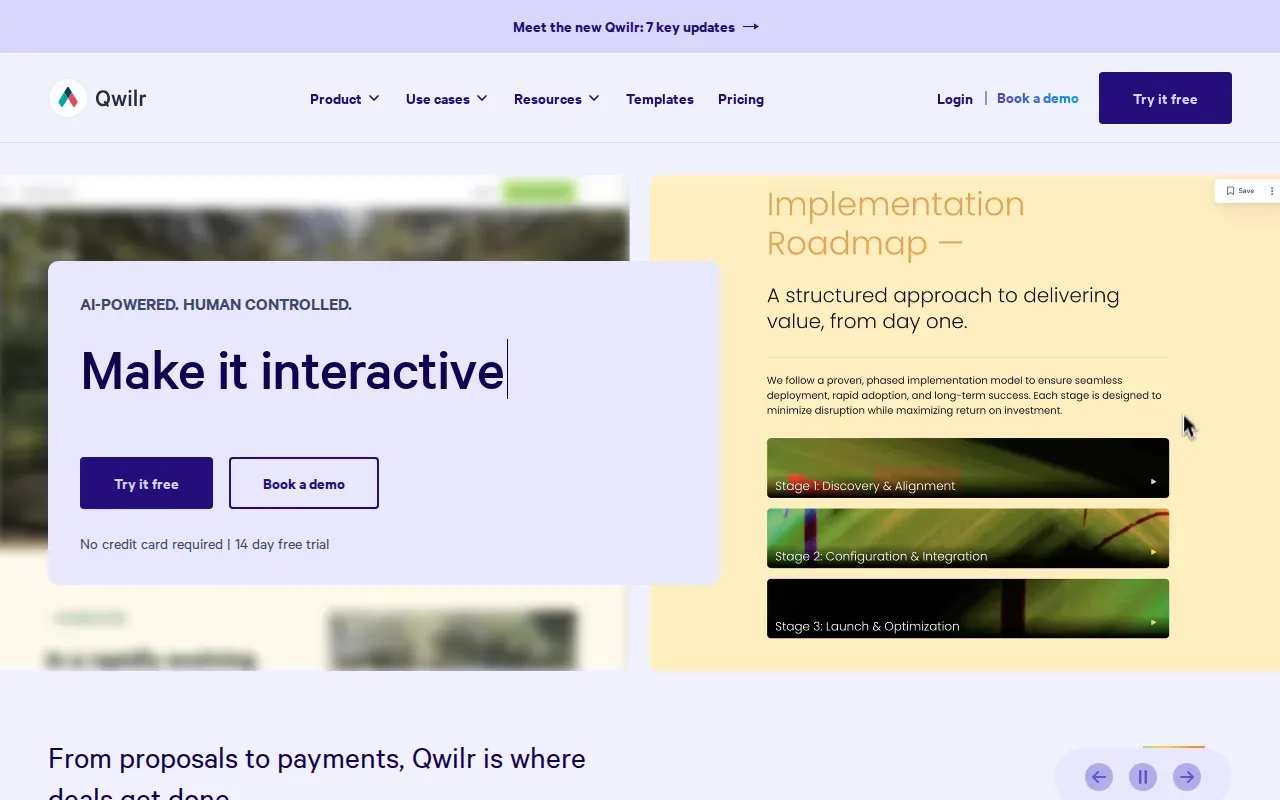
This format may suit agencies or sales teams that want their proposal to feel more like an online presentation. It also gives teams a different path for automated document creation: Qwilr supports API-driven creation, with automated documents subject to metered usage.
The API is relevant when a team has a system or workflow that needs to request proposal creation. But an API-based setup is a different task from generating a file with a button inside a Notion database. Before choosing, map the trigger your staff will actually use.
Qwilr’s main distinction is its web-page output. If your customers need a standard PDF as the finished file, check that the output and handoff fit your process before committing.
3. Better Proposals: Proposal software for smaller sales teams
Better Proposals is proposal software aimed at agencies, consultants, freelancers, and small sales teams. It’s designed for businesses that want to prepare client proposals without building each one as a new document.
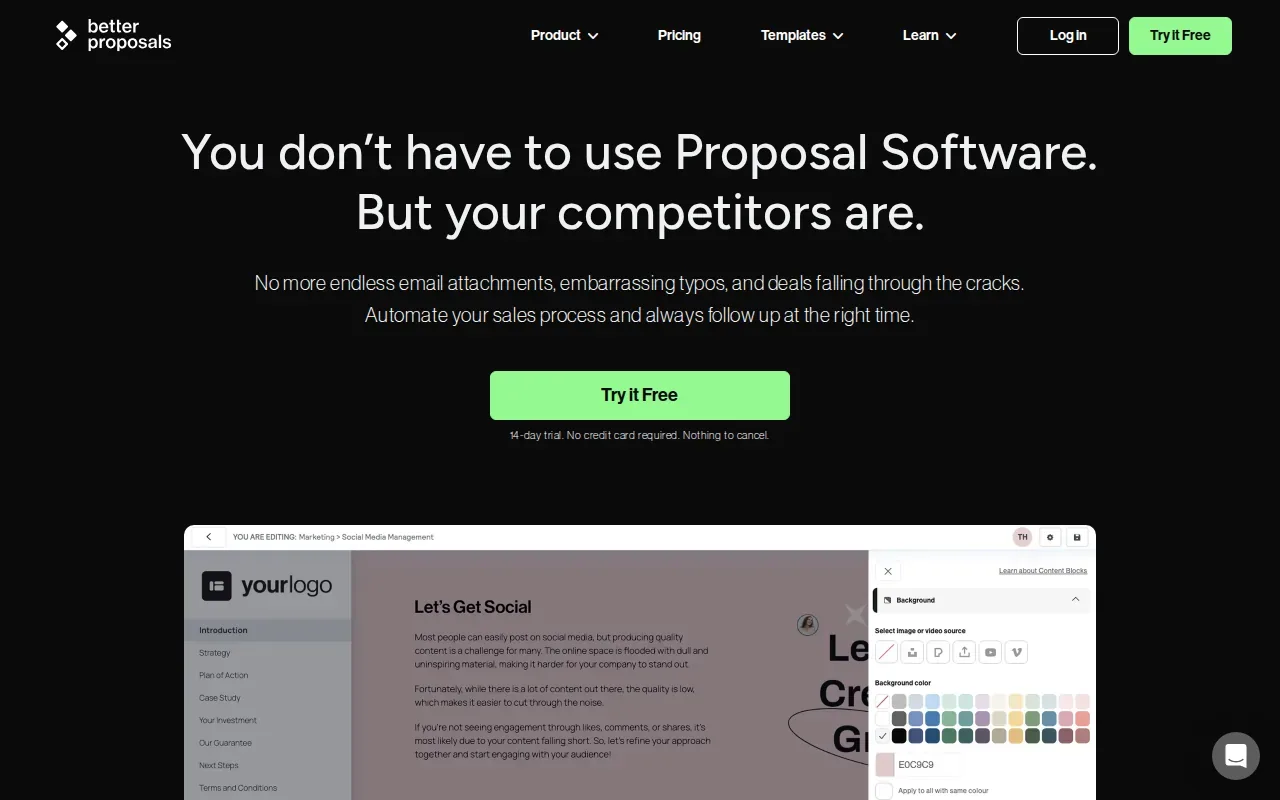
The starting price is $13 per user per month with annual billing. Its integrations include HubSpot, Pipedrive, Zoho CRM, Salesforce, Stripe, GoCardless, PayPal, Zapier, and Slack. That can matter when proposal work needs to connect with sales or payment tools already in use.
Think about a small agency that keeps client and project details in a CRM. A proposal tool can support that sales task, while document automation for Notion addresses a different starting point: the database record itself. Teams comparing those workflows can also review document automation tools for Notion and business workflows.
Better Proposals makes sense when proposals are the main output. If the team needs to generate many kinds of files from Notion data, proposal software may not cover the whole job.
4. GetAccept: Digital sales rooms and deal engagement
GetAccept is a digital sales room and sales engagement platform for B2B teams. It brings proposals, e-signatures, and contract management into a sales process that can run from an early meeting through a signed deal.

It’s a better match for teams that manage deals with several people involved, rather than teams that only need a standard document signed. GetAccept describes more than 500 integrations and automations for connecting workflows. Its integrations include Salesforce, HubSpot, SuperOffice, Gong, Facebook, and Google Analytics.
Broad integrations can help when a team needs its sales tools connected. They can also mean more setup decisions than a small team wants to manage. Check which links and automations your team will actually use before making integration count the deciding factor.
If your process is centered on deal progress and buyer engagement, GetAccept speaks to that need. If the goal is simply to turn Notion records into PDFs, a sales room may be more than the workflow calls for.
5. Dropbox Sign: Straightforward electronic signatures
Dropbox Sign, formerly HelloSign, is an e-signature product owned by Dropbox. It focuses on signing rather than proposal creation, so it suits teams that already prepare documents elsewhere and need a way to collect signatures.
Its signing features include templates, template links, in-person signing, and signer attachments. Integrations span Dropbox, Google, Microsoft, and HubSpot. The API can support document-signing automation when a workflow needs signing requests to start from another system.
For example, a business might prepare a contract in its existing document process, then use a signing tool to get it signed. That is different from generating a personalized PDF from each row in a Notion database. If both jobs matter, compare the document creation step as well as the signing step.
Dropbox Sign is worth considering when the main gap is electronic signatures. It isn’t a proposal builder, so teams replacing PandaDoc should confirm where proposals will be made and managed.
6. DocuSign: Established agreement workflows and bulk sending
DocuSign is an agreement platform for managing and signing documents electronically. Its strengths include bulk sending, established Salesforce workflows, and automation across the contract lifecycle.
That makes it relevant to teams sending agreements at scale or using Salesforce in an established workflow. Bulk sending can help when many recipients need a document through a similar process. It’s a signing and agreement workflow choice, rather than a Notion-first PDF generator.
DocuSign also supports compliance needs on relevant enterprise offerings, including HIPAA, 21 CFR Part 11, and FedRAMP. Teams with specific regulatory requirements should confirm that the plan and workflow they’re considering match those needs.
Choose DocuSign when agreement handling and signature workflows are the main reason for switching. If you mainly need to create proposals, quotes, or PDFs from database records, compare those tasks separately before moving your whole process.
Compare PandaDoc alternatives by workflow fit
These options solve different problems. The table compares each by its main workflow, so you can narrow the shortlist before reviewing contract terms or team costs.
| Option | Best used for | Workflow focus |
|---|---|---|
| Proposify | Sales teams managing proposals | Create, send, track, and e-sign proposals |
| Qwilr | Teams that want web-page proposals | Interactive pages and API-driven document creation |
| Better Proposals | Agencies, consultants, and small sales teams | Client proposals with listed CRM and payment integrations |
| GetAccept | B2B sales teams managing deals | Digital sales rooms, proposals, signatures, and contract management |
| Dropbox Sign | Teams focused on signatures | Electronic signing, templates, and signing automation through an API |
| DocuSign | Teams with agreement workflows or bulk sending | Electronic agreements and contract lifecycle automation |
Use three questions to narrow the choice: Are you making proposals, collecting signatures, or generating files from records? Where does the source data live? What should happen after a document is sent? A closer look at PDF automation for Notion teams can help clarify the third path, which differs from sales proposal and e-signature software.
How PDFOutput triggers document generation in Notion
PDFOutput is for teams that keep their records in Notion and want to generate documents from those records. We connect a Notion database to a template, then match template placeholders such as \{\{Client_Name\}\} to database properties. When a record is processed, its values fill the matching fields.
Templates can come from a Word file, Google Doc, PDF, or Notion page. PDFOutput can produce PDFs, Google Docs, and PPTX files. Teams can use batch generation for repeated mail-merge work, with related records and rollups available for documents that pull information across databases.
There are several ways to trigger generation inside Notion. A database button can start a document on demand. A status property can also control the task, which gives staff a clear action to select on a record.
Scheduled triggers and automatic Google Drive storage can support workflows that run on a timetable or need files saved outside Notion. The product uses a subscription with monthly or annual plans. Teams can start by mapping one template and testing it against a sample record. The Notion document automation guide explains how the database-to-document approach works.
Pro Tip: Keep the placeholder spelling aligned with the Notion property name. A consistent naming pattern makes template mapping easier to check.
Frequently asked questions
What should I look for in a PandaDoc alternative?
Start with the task you need the software to handle. Proposal creation, digital sales rooms, electronic signatures, and database-based document generation are different workflows. Then check where your data lives, which integrations your team needs, and how documents move after they’re sent. This helps you avoid choosing a tool based on features your team won’t use.
Which PandaDoc alternative is focused on electronic signatures?
Dropbox Sign is focused on electronic signatures, with templates, template links, in-person signing, and an API for signing automation. DocuSign also centers on electronic agreements and contract workflows, with bulk sending among its strengths. Choose based on whether your main need is signing documents or managing a broader agreement process.
Can I generate PDFs directly from a Notion database?
Yes. PDFOutput connects a Notion database to a document template and maps database properties to matching placeholders. You can trigger generation with a database button or status property. The resulting workflow can create PDFs, Google Docs, or PPTX files, and it can use related database information when the records are connected.
Do proposal tools support AI-generated proposals?
Before choosing a tool for AI, check its current product documentation and confirm what the feature does with your data. For many teams, the first question is still whether the workflow needs proposal writing, signature collection, deal engagement, or document generation.
Is PandaDoc the same kind of tool as PDFOutput?
No. PandaDoc alternatives in this list focus on proposals, deal engagement, signatures, or agreement workflows. PDFOutput focuses on generating documents from Notion database records. If your source data lives in Notion and your repeat task is producing a file from each record, compare that database workflow with a sales-document process before choosing.
Conclusion
Pick a proposal or signing tool when that is the part of your workflow you need to replace. If your team works in Notion and needs repeat documents from database records, we recommend PDFOutput for that use case. Start with one template, connect a sample database, and test the output before setting up the workflow for your team.