Compare
Airtable Alternatives for 2026: Six Options
Compare six Airtable alternatives by workflow, data style, automation, and PDF needs to find a better fit for your team.
By Sanat Biswal · 2026-11-08 · 9 min read

{/ synced-from-notion — do not edit manually /}
If Airtable no longer fits your team’s budget or workflow, the right replacement depends on what you use it for. These Airtable alternatives take different paths: some keep a spreadsheet-style database, while others center on documents or project work. Here are six options and the teams each may suit.
1. Stackby: A familiar-feeling option for spreadsheet-style databases
Stackby is a spreadsheet-style database tool with automation triggers and actions. It may suit a small team that wants a familiar grid and needs to connect workflows through Zapier. Its free tier includes up to 1,500 rows per stack, which gives you room to try a small database before moving a larger process.
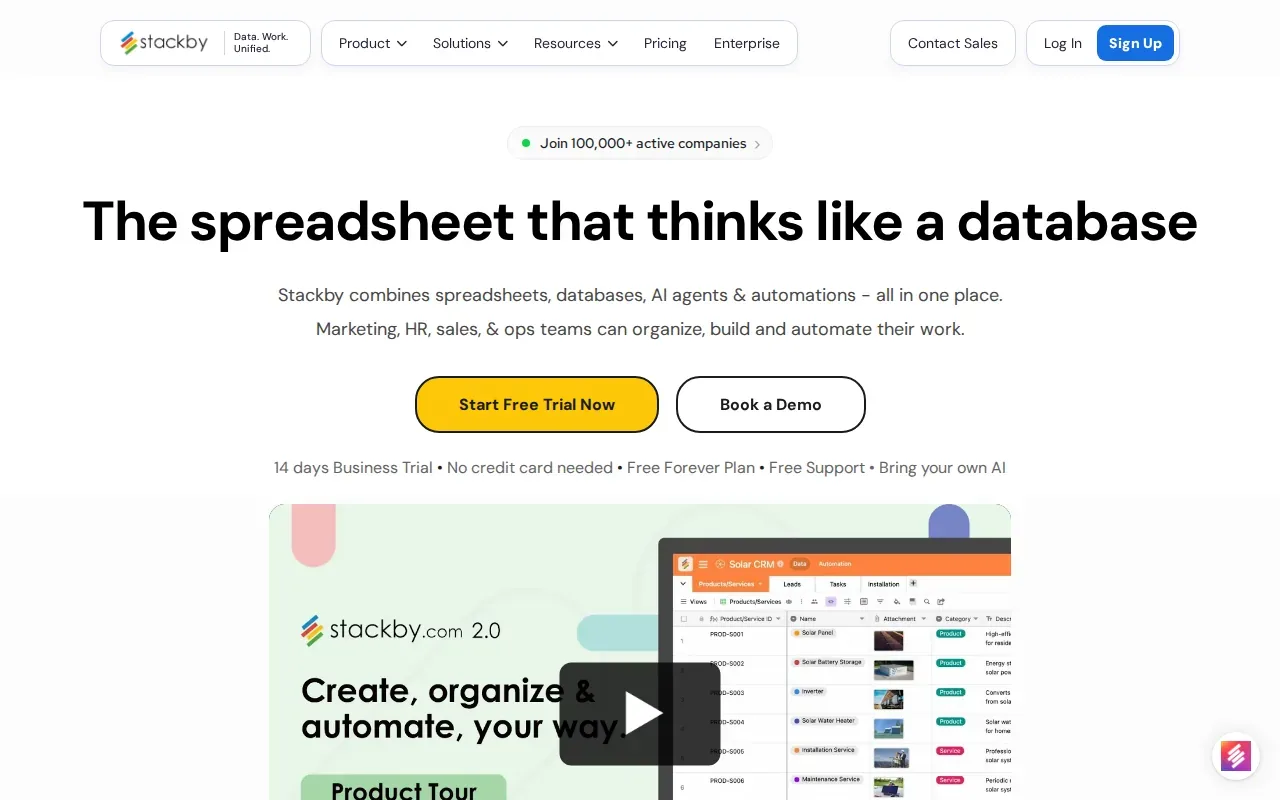
Think of a supplier list with a row for each vendor and fields for contact details, order status, and next steps. A familiar table can make that data easier for staff to scan. Stackby’s triggers and actions can also help connect database events to other steps in a workflow.
Price is one reason teams may consider Stackby. Stackby is significantly cheaper than Airtable, though your own comparison should account for the number of users and the size of your stacks. If staff mostly need to view a database, check how access is priced before you switch.
For a Notion-based document workflow, Stackby’s table format is a separate question from how you produce finished PDFs. A comparison of Notion and Airtable document workflows can help you decide where the data should live before you build the process.
Stackby is a sensible candidate when the grid itself is central to the work. Test one active database and its automation triggers before moving the full team.
2. SmartSuite: A database option with project-management capabilities
SmartSuite is a unified project-management tool for planning and organizing work processes. It may fit a team that wants database-style records alongside project work, rather than treating each as a separate system.
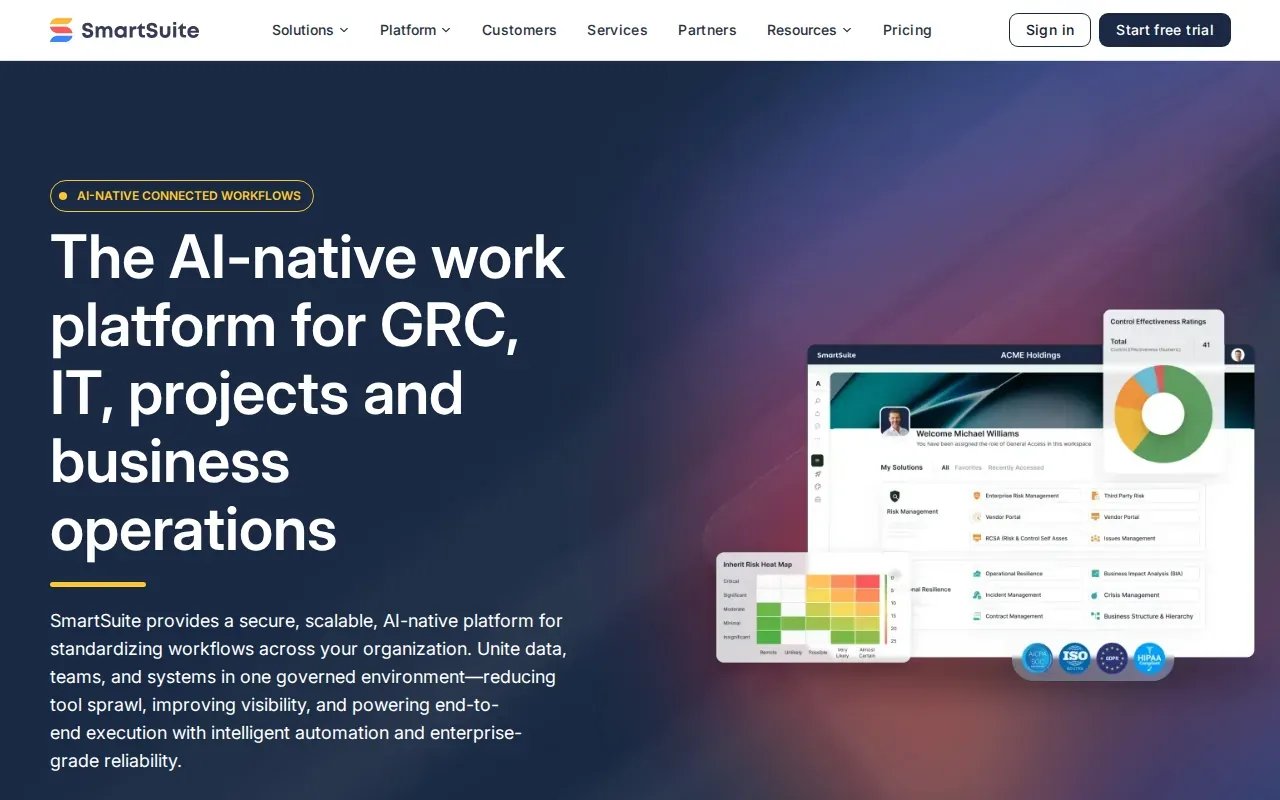
For example, a project team could use its work platform to organize a process, then review the related project information in one place. The key question is whether your staff need a flexible database first or a more organized project workflow. SmartSuite is a unified project-management tool for managing work processes, so consider that distinction as you assess fit.
Of the six options here, SmartSuite is the one whose provided product details explicitly name PDF as an output format. That may help when someone needs to export a report for review. But exporting a report is different from creating a personalized PDF for every record in a database.
If your team needs documents filled from Notion records, PDFOutput is designed for that specific source and workflow. It maps database properties to template placeholders, then generates documents from those records. Our overview of document automation tools for Notion explains how that kind of record-to-document process differs from a general work-management platform.
Choose SmartSuite for organizing and managing work processes. For recurring documents generated from Notion, assess the document workflow separately.
3. Baserow: An open-source alternative with self-hosting
Baserow is an open-source database option that can be self-hosted. It may suit a team that wants more control over where its database runs and has the capacity to manage its chosen setup.
Self-hosting means running the software on infrastructure your organization manages. That can matter when a team wants to decide how its data environment is set up. It also means the team should plan who will maintain that environment. Open-source software doesn’t remove the work of configuring and looking after a system.
Baserow is not as feature-filled as Airtable, though it remains a viable alternative. That makes a small pilot useful. Rebuild one database with the fields and relationships your team relies on, then check whether the day-to-day workflow still works for non-technical users.
Baserow is a fit to explore when open-source access and self-hosting matter more than having every feature in the same package. Assign an owner for the setup before making it part of a core business process.
4. Coda: A document-based alternative for connected workflows
Coda is a document-based alternative that brings docs and tables together. It may suit teams that want written context alongside structured information, rather than working mainly inside a grid.
Imagine a team handbook that includes a table of recurring tasks. A document-based workspace can keep the explanation near the records people need to act on. That format may feel more natural for processes where the instructions matter as much as the data.
Coda has AI-powered docs and tables. They also state that its free option includes unlimited unshared docs, with limited automations and integrations. Zapier is listed as an integration. These details can help you judge whether a small team can test its document-first approach before setting up a shared workflow.
A document workspace and a PDF template system solve different tasks. If your team keeps source records in Notion and needs to produce a formatted file from each record, PDFOutput can map those fields into a template. That keeps the information in the database while giving the finished document its own layout.
Consider Coda when people need to read and update information in the same document space. Check whether its automation limits suit the workflow you plan to run.
5. Fibery: A hybrid database and task-management workspace
Fibery is a hybrid workspace that combines database and task-management ideas. It may appeal to teams that want structured information connected to the work people need to complete.
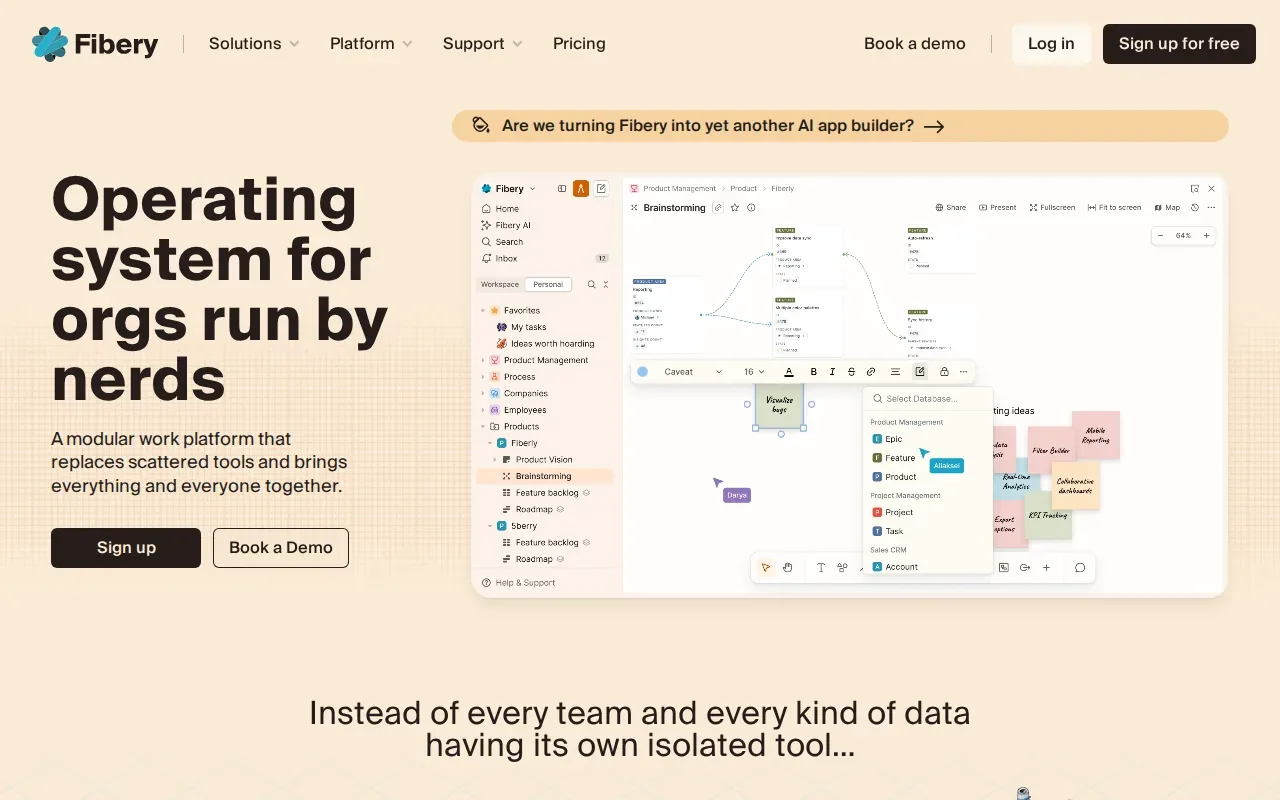
Fibery combines elements of Airtable and Notion with added task-management features. That blend can be useful when a team needs to connect records with active work. For instance, a project record might need to sit alongside the tasks that move it forward.
This kind of flexible setup needs clear ownership. Before building a large workspace, write down which records staff need to maintain and which tasks should connect to them. Then build one workflow and see whether the people doing the work can update it without extra guidance.
Fibery is the option to examine when database structure and task management belong together. It isn’t the same thing as a document-generation tool, so plan separately if your process also needs invoices, certificates, or other PDFs from records.
For a Notion source database, PDFOutput can generate documents using matching property names and template placeholders. That approach is useful when staff already manage their records in Notion and need a consistent file from each entry.
6. Rows: A choice for collecting, organizing, and presenting data
Rows is a spreadsheet option for collecting, organizing, and presenting data. It may fit a team whose main job is working with data in a table and showing the results clearly.
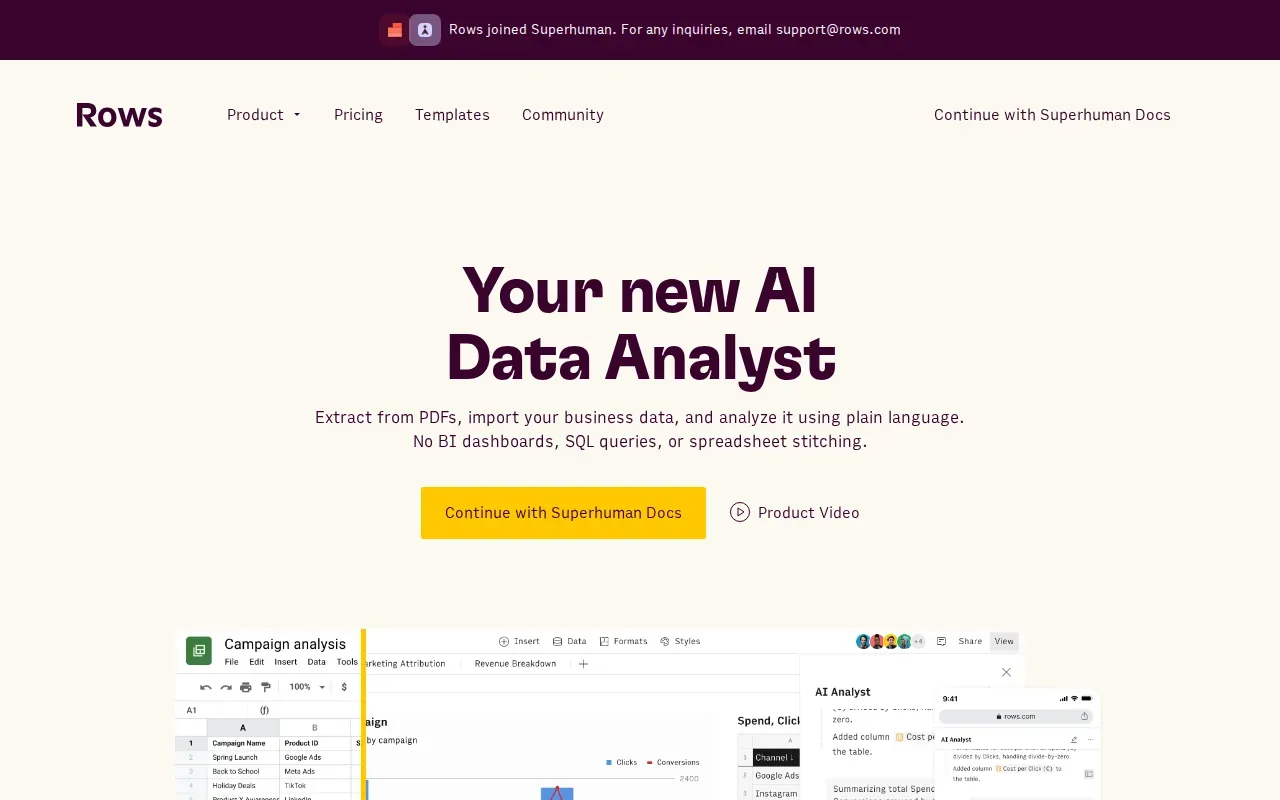
Rows offers interactive widgets such as buttons, input fields, and data pickers. Those elements can make a spreadsheet more interactive for people entering or reviewing information. Tableau is listed as an integration, which may matter if your team already uses it in its reporting workflow.
Rows is worth considering when the team’s main concern is how it gathers and presents information. For an Airtable replacement, test a representative dataset and the specific views staff use. A tool that works for collecting data may not automatically match every database relationship or process your team has built.
If the final step is sending a PDF from a Notion database, keep that requirement in view as you compare data tools. PDFOutput supports template-based output from Notion properties, including PDFs and Google Docs. That can keep document creation tied to the record instead of asking staff to copy fields into a file by hand.
Airtable alternatives compared: best fit by workflow
Compare the options by the job you need done, not by how closely their screens resemble Airtable. Start with your team’s daily workflow, then check the details that affect the move: data structure, collaboration, and whether you need a separate document-generation step.
| Option | Workflow it may suit | Decision point |
|---|---|---|
| Stackby | Spreadsheet-style database with triggers and actions | Review stack size, access needs, and Zapier use |
| SmartSuite | Organizing and managing work processes | Its listed output formats include PDF and CSV |
| Baserow | Open-source database with a self-hosting choice | Plan who will manage the deployment |
| Coda | Documents with tables and connected workflows | Check the limits on free automations and integrations |
| Fibery | Database work linked with task management | Test whether staff can maintain the workspace |
| Rows | Collecting, organizing, and presenting data | Test your key dataset and reporting needs |
Frequently asked questions
Which Airtable alternative is free?
Stackby’s free option includes up to 1,500 rows per stack. Coda’s free option includes unlimited unshared docs, with limited automations and integrations. These offers cover different kinds of work, so compare the limits against your real workflow before moving a team database or relying on a free tier.
Which Airtable alternative can export PDFs?
SmartSuite is the only option in this shortlist whose supplied product details explicitly name PDF output. Its listed output formats include PDF and CSV. If you need a personalized PDF generated from a Notion record, PDFOutput is built for that task and uses Notion database properties to fill a template.
Can I generate PDFs from a Notion database automatically?
Yes. PDFOutput can connect a Notion database to a document template and replace matching placeholders with property values. You can trigger generation with a Notion button or a status property. The resulting file can be saved back to the database, which helps keep the generated document next to its source record.
How should I choose an Airtable replacement?
Choose based on the workflow your team needs to keep. Check whether the data is mainly tabular, tied to project tasks, or supported by written instructions. Then test one representative database, including any relationships or reporting needs. If PDFs are part of the process, evaluate document generation as its own requirement.
Is an open-source Airtable alternative right for a non-technical team?
It can be, if someone on the team can own the setup and upkeep. Baserow offers an open-source option with self-hosting, but self-hosting also means managing the environment where it runs. If your team wants to avoid that work, compare the cloud setup and staff experience before choosing.
Conclusion
For teams already keeping records in Notion, PDFOutput is a focused option for generating PDFs and other documents from database entries. Start by choosing one recurring document, matching its template fields to your Notion properties, and testing the output. You can review PDFOutput’s subscription plans and document limits as you assess the setup.