Compare
Zapier Alternatives for Notion Workflows: 8 Options
Compare Zapier alternatives for Notion workflows, including no-code, self-hosted, and enterprise tools. See which fits your PDF and document tasks.
By Sanat Biswal · 2026-11-04 · 10 min read

{/ synced-from-notion — do not edit manually /}
Zapier connects apps through workflows that run when a set event occurs. If you use Notion and need more control over cost, setup, or technical details, these eight Zapier alternatives suit different kinds of work. For turning Notion records into finished documents, PDFOutput handles the document step directly, without making a general automation platform the center of the setup.
1. Microsoft Power Automate: A natural fit for Microsoft-centered teams
Microsoft Power Automate is a workflow tool for organizations that already use Microsoft products. It supports cloud workflows, approvals, business-process automation, and robotic process automation on desktop apps. Teams that keep their files and internal processes in Microsoft’s ecosystem may find it a familiar place to manage those flows.
Basic flows are free with a Microsoft 365 license. Premium connectors cost $15 per user each month when billed yearly. That per-user model is worth checking against your team size before you move several workflows.
For Notion, the key trade-off is setup. Notion isn’t a first-class connector here, so the workflow uses an HTTP connector or a custom connector rather than a one-click link. If you're exploring Notion automations for business tasks, keep the distinction clear: an app-to-app workflow and a Notion-to-document workflow may need different tools.
Power Automate makes more sense when Microsoft is already your team’s home base. For a Notion-first PDF workflow, the extra connector work may not be worth it.
2. Activepieces: Open-source automation with self-hosting options
Activepieces is an open-source workflow automation platform with cloud and self-hosted options. Its visual builder aims to make workflow setup approachable, while self-hosting gives teams a way to run the automation engine on infrastructure they manage.
The self-hosted Community Edition is free with unlimited use. Its cloud plan has a free tier with 1,000 credits per month. Paid cloud plans include Plus at $16 per month with annual billing, or $20 month to month, for 10,000 credits.
There are trade-offs. Activepieces has fewer ready-made templates, and its Notion piece has less support for relations and rollups than Make’s Notion module. Self-hosting also means your team is responsible for operating the instance, so it suits teams with someone who can manage that work.
Choose Activepieces if open-source software and hosting control matter more than a large template library. For routine Notion documents, check whether its relation handling fits the data in your database before building around it.
3. Pabbly Connect: No-code workflows for small businesses
Pabbly Connect is a no-code workflow platform aimed at small businesses, agencies, and individual operators. It can link apps through automated workflows, so a change in one system can prompt an action in another.

The listed integration catalog is smaller than Zapier’s, at about 1,500 apps compared with Zapier’s 8,000-plus. Its Notion integration works, but it is less granular than the Notion options in Make or n8n. That matters when a workflow needs careful control over database fields or linked records.
Pabbly Connect has a free plan with 100 tasks per month. Standard costs $16 per month with yearly billing, or $19 month to month, for 10,000 tasks. Unlimited costs $69 monthly with yearly billing, or $79 month to month.
For a small team, the task allowance can be a useful way to compare plans. Test your exact Notion workflow first, especially if it relies on relations or several actions per record.
4. IFTTT: Straightforward automations built around Applets
IFTTT uses Applets, simple conditional automations built around a trigger and an action. It is a fit for personal tasks, connected devices, and lightweight workflows where a basic “when this happens, do that” rule is enough.
IFTTT has free and paid plans for individuals, plus developer and business offerings. It can also trigger a webhook that starts a separate PDF process. That adds another service to configure, though, so it is better suited to a small personal automation than a document workflow that needs careful handling.
Think of a reminder or device action, not a multi-step document operation. If a business process needs approvals, multiple records, or consistent output files, choose a workflow tool designed for that level of control.
5. Integrately: Ready-made automations for simpler setup
Integrately focuses on ready-made automations and straightforward setup. Its prebuilt workflows can help you start with a common app connection instead of building each part from a blank canvas.
That approach can help a non-technical user who wants fewer setup choices. For example, if the task is to pass a new record from one supported app to another, a ready-made flow may offer a faster start than a custom workflow.
Integrately has paid plans based on automation volume. For Notion document work, first confirm that a ready-made automation covers the trigger and data fields you need. A simple connection may be enough for a notification, but generating a polished PDF from a database record is a separate document task.
Pick it when speed of initial setup matters most and the workflow matches a prepared recipe. If your process has special document rules, check those before committing.
6. Workato: Enterprise automation for complex systems
Workato is an enterprise-level automation platform for organizations connecting complex systems. It is aimed at mid-sized and large organizations with experienced IT and operations teams.

Workato uses platform and usage-oriented pricing. That model is built around an organization’s platform needs and activity, rather than a simple per-task price for a small personal flow. Teams should map the real workflows they plan to run before asking for a quote.
For a Notion-based document task, Workato may be more platform than a small team needs. It becomes more relevant when the document step sits inside a larger process that spans business systems and needs enterprise oversight.
If your team mainly needs to turn Notion database rows into client-ready files, keep the scope narrow. A dedicated document tool may avoid building and maintaining a wider integration flow just to produce the file.
7. Pipedream: API and code-driven workflow flexibility
Pipedream is designed around APIs, code, event-driven workflows, and developer integrations. Developers can use it to connect an event with an API action, then add code where the workflow needs custom handling.
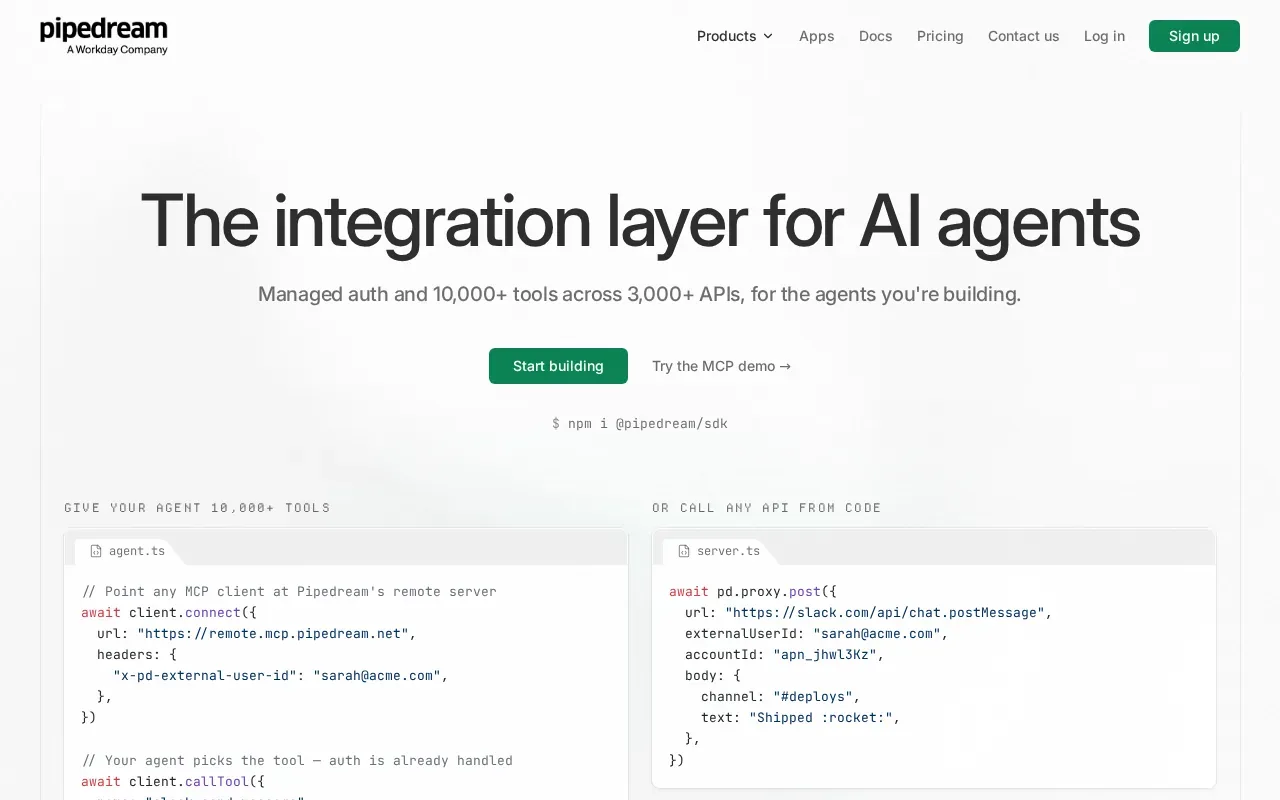
It uses usage-based pricing. This can fit teams that want to shape workflows around APIs, but it asks for more technical comfort than a ready-made no-code recipe. A developer can use that flexibility to handle a data path that a basic connector does not cover.
For Notion PDF generation, Pipedream can be part of a custom route from a database event to a document service. The trade-off is ownership of the integration logic: someone needs to build it, test it, and keep it working as the process changes.
Consider Pipedream when APIs and custom code are part of the job already. If your team wants to generate a file from Notion without writing code, look at a document-first workflow instead.
8. Tray.ai: Enterprise integration with API management
Tray.ai is an enterprise integration and automation platform. It combines application integration with process automation, API management, AI agents, and MCP governance.
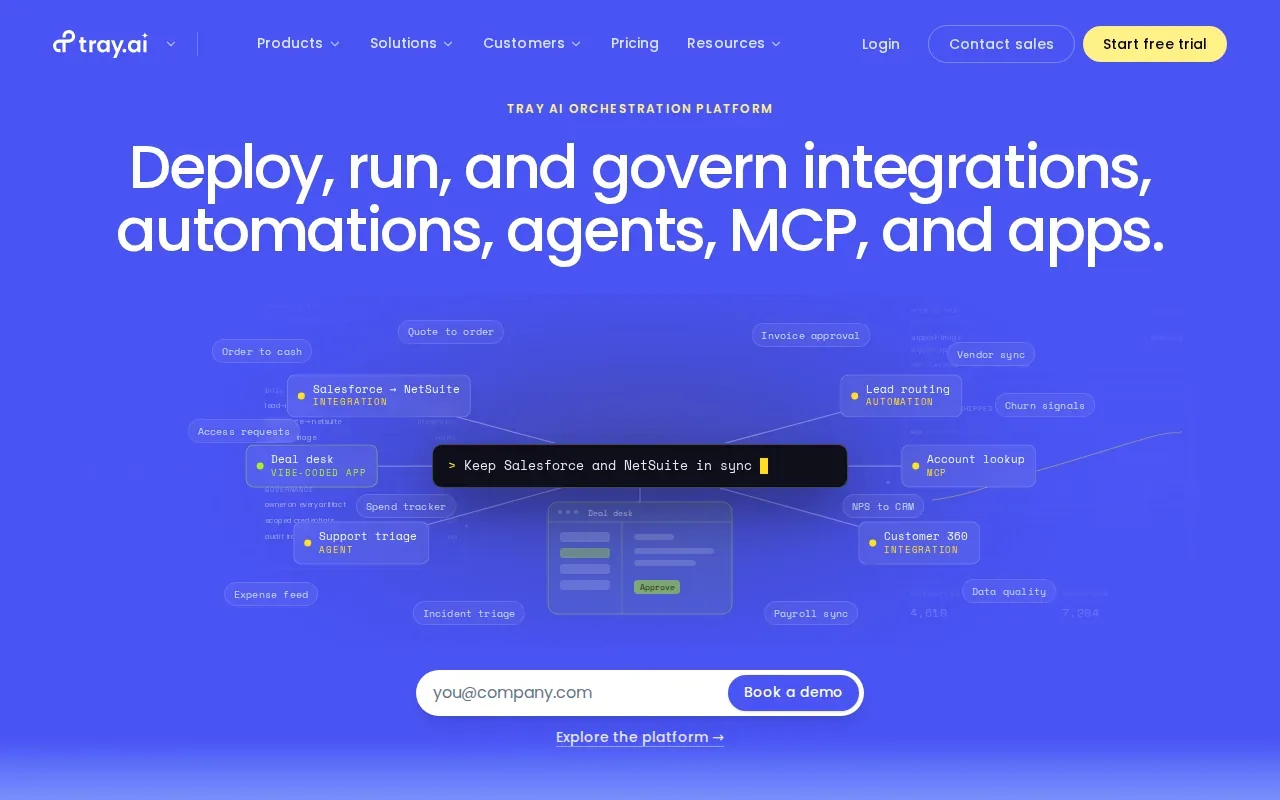
Its pricing is customized for enterprise use. Tray.ai fits teams that treat integration as a shared business platform, rather than a handful of personal automations. Its wider toolset can be relevant when many processes need governance across an organization.
That scope may be too much for a small team looking to produce PDFs from Notion records. A team without dedicated integration ownership should compare the ongoing setup and support work, not only the workflow’s first version.
Tray.ai is worth considering when API management and organization-wide automation are part of the requirement. For a single Notion-to-PDF job, a focused document workflow is simpler to assess.
Zapier alternatives compared by use case
The right pick depends on what happens after a Notion record changes. A workflow platform moves data between apps; a document platform turns that data into a finished file. These needs can overlap, but they are not the same job.
| Option | Best used for | Notion workflow note |
|---|---|---|
| Microsoft Power Automate | Teams centered on Microsoft products | Notion needs an HTTP or custom connector |
| Activepieces | Open-source workflows and self-hosting | Check relation and rollup needs |
| Pabbly Connect | No-code workflows for small businesses | Notion integration is less granular than Make or n8n |
| IFTTT | Simple personal and device automations | Better for basic triggers than business-critical document work |
| Integrately | Common workflows with quick setup | Check that a ready-made flow matches your task |
| Workato | Enterprise processes across complex systems | Fits broader IT-led integration needs |
| Pipedream | API workflows and custom code | Useful when a developer owns the integration |
| Tray.ai | Enterprise integration and API management | Fits organization-wide automation needs |
How PDFOutput triggers PDF generation in Notion
PDFOutput is for the document step: it maps Notion properties to placeholders in a template, then generates a file from the record. Templates can be Google Docs, PDFs, or Notion pages. Output can include PDFs, Google Docs, or PPTX files. Related data can also supply values through Notion relations and rollups.
After setup, you can trigger generation with a Notion button or a status property. The available statuses include Ready to Generate for a PDF, Generate Page for a Notion page to PDF, and Generate PDF and Doc for both formats. Generate E-Signed Doc creates an e-signed PDF, while Preview creates a Google Doc preview.
PDFOutput can also generate documents in batches, merge PDFs, and work across connected databases. Scheduled triggers and Google Drive storage can support recurring work. If you want an overview of Notion triggers, workflows, and PDF generation, focus on how each trigger fits the way your team handles records.
> 📌 Key Takeaway: Use a general automation platform to connect systems; use PDFOutput when the main task is generating documents from Notion records.
FAQ: Choosing a Zapier alternative
Which Zapier alternative works best with Notion?
The right option depends on your workflow and technical needs. Activepieces, Pabbly Connect, and Pipedream can connect Notion to other systems, with different levels of setup and code involvement. Microsoft Power Automate needs an HTTP or custom connector for Notion. If the goal is to produce a document from a Notion record, PDFOutput handles that document-generation task directly.
Can I generate PDFs from Notion with these automation tools?
You can use an automation platform to trigger a separate PDF service, but that adds a document-generation step to the workflow. For Notion records, PDFOutput maps database properties to template placeholders and generates files from those values. You can use a button or status property to start the process inside Notion, then save the output back to the record.
Which option supports self-hosting?
Activepieces has cloud and self-hosted deployment options. Its self-hosted Community Edition is free with unlimited use. Self-hosting gives your team control over where the automation runs, but it also means your team must manage the instance. Choose it when that control is worth the added operational work.
Is IFTTT suitable for business document automation?
IFTTT is better suited to simple personal, mobile, or device automations than business-critical document workflows. Its Applets are built around straightforward conditions. It can trigger a webhook for a separate PDF process, but that route adds another service and may not suit a workflow with several document rules or linked Notion data.
How do I choose among Zapier alternatives for a small team?
Start with the task you need to finish, then check the setup your team can maintain. Compare the billing unit, required integrations, and whether the workflow needs code or self-hosting. For a Notion document workflow, test one real record and confirm the template fields, relations, and output format before moving a larger process.
Conclusion
Choose a general automation platform when your main need is moving information between apps. If your team needs repeat PDFs or other documents from Notion records, start with a small PDFOutput template and test it on one database entry. That shows whether a document-first workflow fits before you automate more records.