Compare
Invoice Software for Contractors: 6 Options
Compare six contractor invoicing tools by field workflow, payment features, reminders, and cost, plus a Notion-based PDF workflow with PDFOutput.
By Sanat Biswal · 2026-11-15 · 11 min read

{/ synced-from-notion — do not edit manually /}
When a job wraps up, the invoice shouldn’t wait until you’re back at a desk. The right invoice software for contractors can cut admin time, support faster payment, and keep billing tied to the work. Here are six options, plus a way to generate invoice PDFs from a Notion database with PDFOutput.
1. Jobber: Contractor-focused invoicing with field-service tools
Jobber is field-service software with invoicing for home service contractors, including landscaping, HVAC, plumbing, cleaning, pest control, and roofing. It’s a fit for a crew that needs job details to flow into billing instead of rebuilding an invoice after each visit.
Jobber connects estimates, scheduling, job tracking, and invoices in one workflow. Contractors can send invoices and accept online payments. Jobber also supports automation, online booking, and GPS tracking. Its QuickBooks integration can help keep accounting records in sync.
For a field crew, the useful part is the handoff. A job is scheduled, the work gets done, and the invoice can follow the job record rather than a separate paper note. That can reduce retyping when office staff handle billing after a site visit. Details for a field service report workflow can help teams think through what job information belongs in their records before billing.
Plans include Core at $49 per month, Connect at $139, and Grow at $199 for one user on monthly billing. Check which plan includes the features and team access you need before choosing.
Jobber suits businesses that want invoicing connected to field-service work. It may be more software than a solo contractor needs if the main task is sending a few invoices.
2. Buildertrend: Invoicing within residential construction project management
Buildertrend is a project management platform for residential builders with invoicing built into the wider project workflow. It fits builders who need billing to reflect estimates, approved changes, project costs, and work completed.
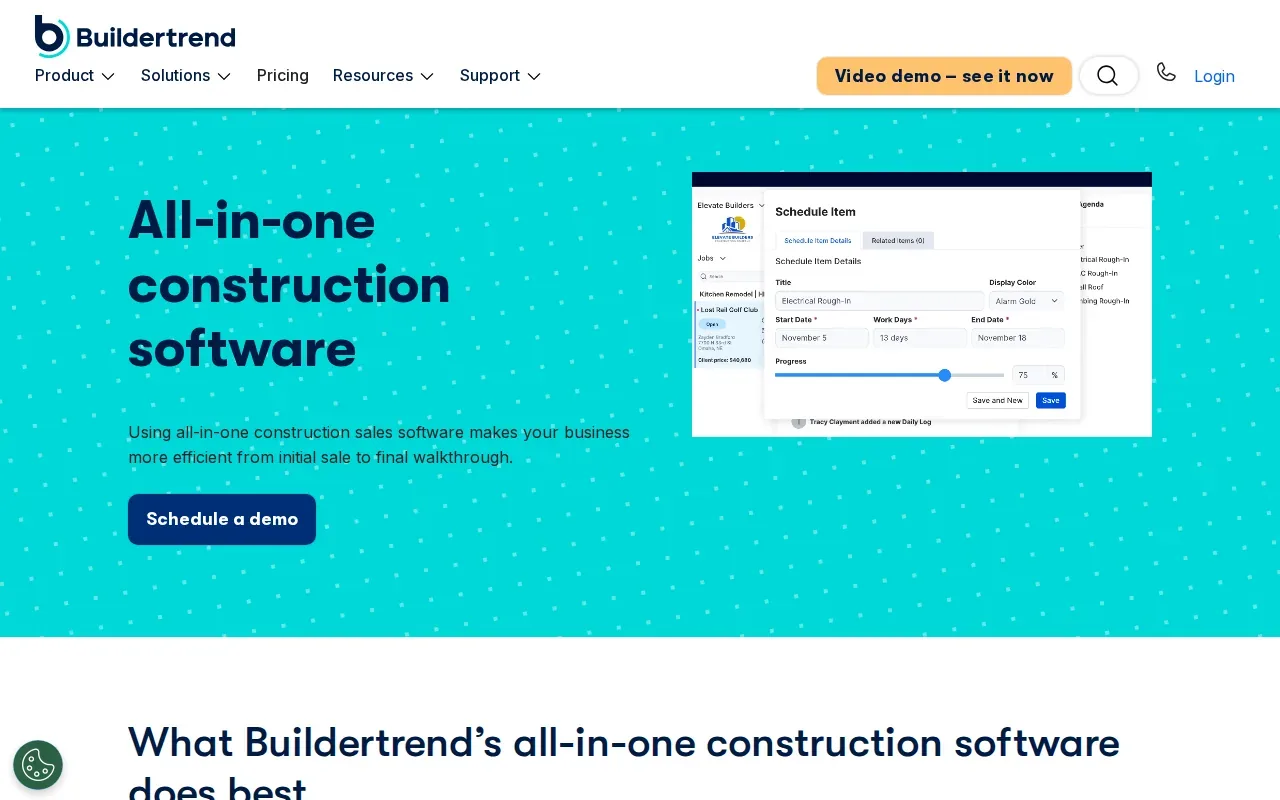
Invoices can be created from accepted bids, approved change orders, selections, purchase orders, and bills. Builders can use flat-fee or itemized invoices, set payment terms, and track payments. Progress invoicing can show work completed to date alongside amounts already billed and the remaining balance.
That detail can help on a project billed in stages. A client or lender can see which phase the invoice covers, while the builder can compare projected costs with paid and unpaid invoices. Buildertrend also connects with QuickBooks and Xero, which can support accounting handoffs without re-entering every figure.
Buildertrend may make more sense for a residential building business using the project management features, rather than a contractor seeking only a basic invoice maker.
If your work is mostly short service calls, a field-service tool may be a closer fit. For multi-stage residential builds, Buildertrend’s progress billing is the part to examine first.
3. Housecall Pro: Service invoices with automatic reminders
Housecall Pro combines scheduling, dispatch, estimates, invoicing, and payments for home service businesses. It can suit a contractor who wants invoice follow-up to happen without tracking every due date by hand.
Contractors can send digital invoices, accept credit card and bank payments, and connect with QuickBooks Online or Zapier. Invoice reminders go out automatically after an invoice is overdue. The reminder schedule can be set by frequency, and the system lets the business set a maximum number of reminders.
That can help when an office team handles billing for many finished jobs. Staff can set a reminder cadence rather than checking each invoice one at a time. The tool also lets a business exclude specific customers or customer tags from reminders, which is useful when a payment plan or customer agreement calls for a different follow-up.
Monthly plans are Basic at $79, Essentials at $189, and MAX at $329. Annual billing is $59, $149, and $299 per month, respectively. One caveat: invoice reminders aren’t compatible with batch invoices or auto-invoicing, so check that fit if those workflows matter to you.
4. Invoice2go: Mobile invoicing for contractors on the job
Invoice2go is a mobile invoicing app for contractors and small businesses that need to send estimates and invoices while away from the office. It’s a fit for a sole operator who wants to prepare a bill soon after finishing work.
Contractors can make estimates, turn an accepted estimate into an invoice, and track whether it has been viewed or paid. The app supports payment reminders and card or ACH payments. Invoice2go also connects with QuickBooks and Xero on supported plans.
Mobile billing changes the timing of the task. Instead of taking notes at the site and rebuilding the bill later, a contractor can prepare the estimate or invoice while the job details are fresh. That can help prevent missed line items, especially when the work includes more than one service or expense.
Plans are Starter at $7.99 per month, Professional at $11.99, and Premium at $44.99. Annual billing is $79.99, $119.99, and $449.99, respectively. Compare the plan limits and included features with your expected invoice volume before signing up.
Choose Invoice2go when sending invoices from a phone is the main need. If you also need dispatch or broader project oversight, compare it with a field-service platform.
5. Zoho Invoice: A free option for smaller contractor operations
Zoho Invoice is invoicing software for freelancers and small contractors. Its free plan can fit a small operation that wants to send invoices without adding a monthly software bill.
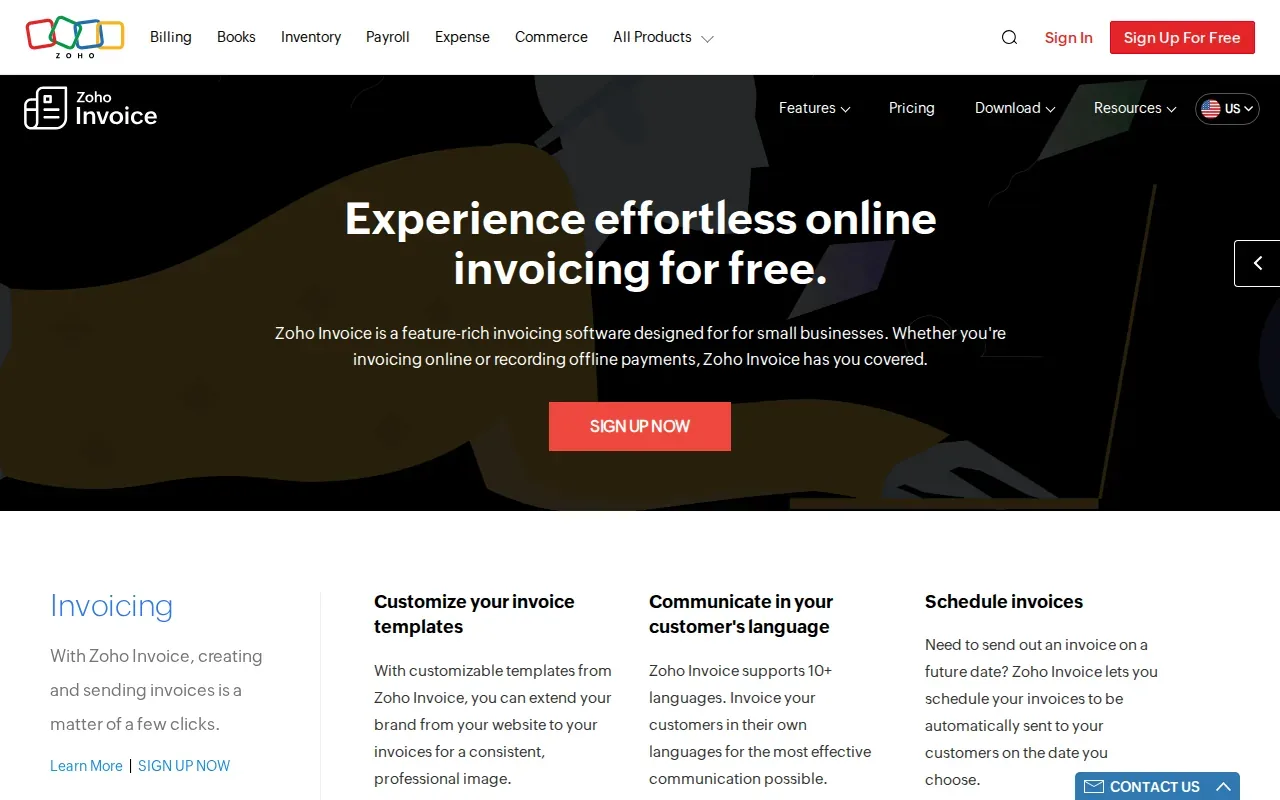
The plan allows up to two users, three projects, and 500 invoices per year. It includes invoice and payment reminders, along with some workflow automation. For a contractor with a low, steady invoice count, those limits give a clear way to check whether the free plan matches the business’s workload.
Think about a small repair business that bills a handful of customers each week. A free invoicing tool may cover that routine, while a growing team should track whether its annual invoice count approaches the plan’s cap. Zoho Invoice also has a mobile app, so users can work from a phone as well as a computer browser.
Zoho says the free plan includes its branding on invoices. That may matter if you need every client-facing document to use your own brand. The annual invoice cap can also become a planning point as the business grows.
Zoho Invoice is a sensible place to start when low cost matters more than connecting billing to a larger job-management system.
6. Square Invoices by Block: Straightforward invoicing and milestone schedules
Square Invoices by Block is a simple invoicing option with a free plan and features for basic contractor billing. It can suit a contractor who wants to send invoices and set payment stages without adopting a full project management system.
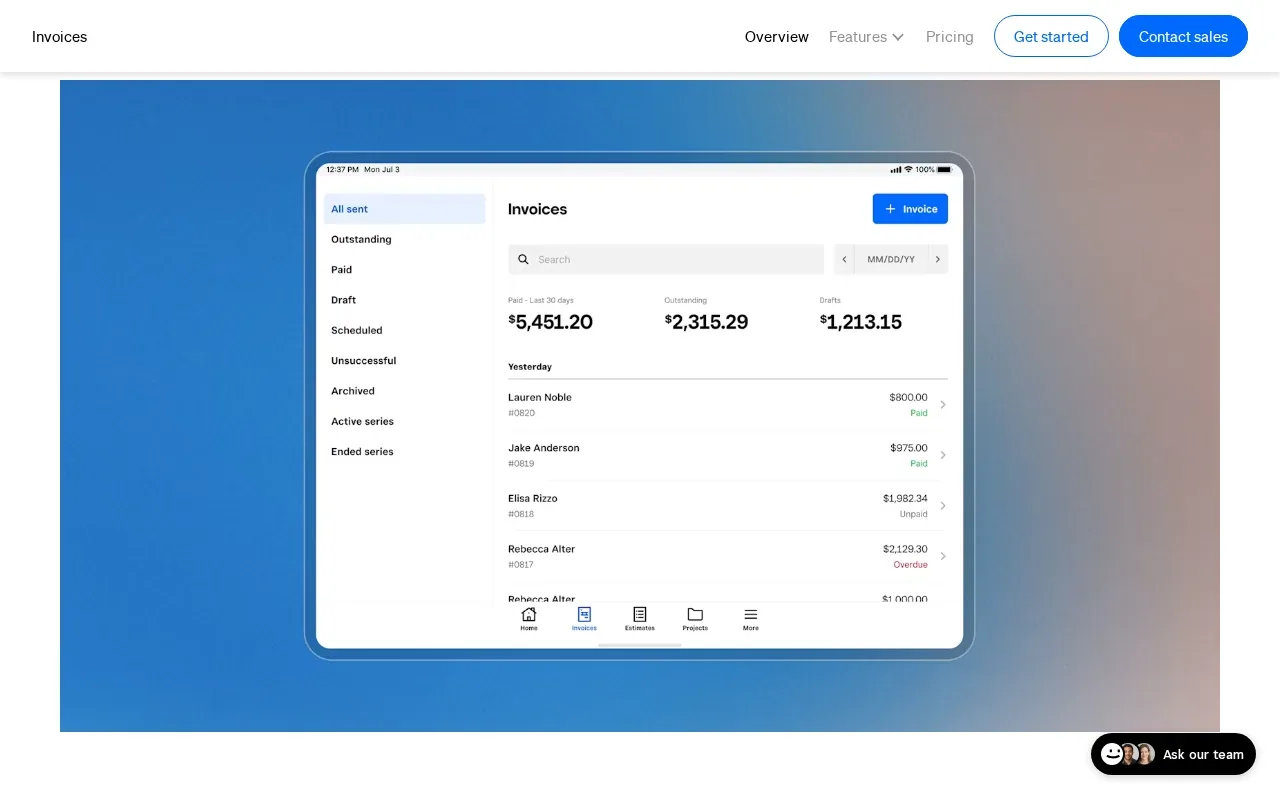
Square supports milestone-based payment schedules on one invoice. For example, a contractor can set payments around phases of a job instead of asking for the full amount at the end. Automatic reminders can be sent before, on, or after the due date. Customers can pay online by card or ACH bank transfer.
Invoices can be sent by email, text, or shareable link. Contractors can track whether an invoice is paid, unpaid, or overdue, and turn an accepted estimate into an invoice. Square also connects with QuickBooks Online and Xero for accounting records.
The free plan covers basic invoicing; a Plus plan is also available. Square says it doesn’t support multi-currency acceptance, so contractors billing customers in different currencies should check that requirement before adopting it.
When your main need is a straightforward invoice with scheduled payments, Square is worth comparing. For larger residential projects, review whether its milestone setup captures the detail your contracts require.
Compare the contractor invoice software at a glance
Use this view to narrow the shortlist by billing workflow. The right choice depends on whether you need job management, phone-first invoicing, reminders, or staged payments.
| Option | Good fit for | Payment or follow-up detail | Starting price |
|---|---|---|---|
| Jobber | Home service teams managing jobs and invoices together | Online payments; automation tools | $49 per month |
| Buildertrend | Residential builders billing by project phase | Progress invoicing and payment tracking | Check current pricing |
| Housecall Pro | Home service businesses that want reminders | Automatic invoice reminders; card and bank payments | $79 per month |
| Invoice2go | Contractors who invoice from a phone | Reminders; card or ACH payments | $7.99 per month |
| Zoho Invoice | Smaller operations with modest invoice volume | Free plan with a 500-invoice yearly limit | Free |
| Square Invoices by Block | Basic billing with milestone schedules | Automatic reminders; card or ACH payments | Free |
> 📌 Key Takeaway: Field-service systems connect invoices to jobs, while simple invoicing apps focus on sending and tracking bills.
Generate contractor invoice PDFs from a Notion database
These six tools focus on contractor invoicing. If you keep job and client records in Notion, PDFOutput can turn those database records into formatted documents. It’s a fit when you want invoices generated from Notion data rather than copied into a separate document by hand.
PDFOutput maps Notion database properties to placeholders in a template. A template can be a Google Doc, Word file, PDF, or Notion page. For example, placeholders such as \{\{Invoice_No\}\} and \{\{Client_Name\}\} can pull matching values from the Notion record into the generated file.
For invoice records with linked clients or line items, PDFOutput can work across multiple databases using relations and rollups. It supports batch PDF generation and can also produce Google Docs or PPTX files. Generated files can be stored in Google Drive automatically when that setting is configured.
PDFOutput can trigger generation from a Notion database button or status property. Set a record to “Ready to Generate” for a PDF, use “Generate Page” to convert a Notion page, or choose “Generate PDF and Doc” for both formats. Other status options support an e-signed document or a Google Docs preview before PDF generation.
For a full invoice setup, the Notion invoice PDF automation workflow explains how templates, fields, triggers, and storage fit together. PDFOutput is available through monthly or annual subscription plans.
> 💡 Pro Tip: Test one invoice record first. Check that every placeholder matches the Notion property name, then review the output before generating a batch.
PDFOutput handles document generation, not payment collection. You can use it for the invoice file while keeping payment requests and follow-up in the system that handles your billing.
Frequently asked questions
What should contractors look for in invoice software?
Choose software that matches how you bill. A service contractor may need job-linked invoices and reminders, while a residential builder may need progress billing tied to project stages. Check whether clients can pay online and whether the software fits your accounting workflow. If your records live in Notion, also decide whether you need a separate tool to generate finished invoice PDFs.
Can contractors create invoices from a phone?
Yes, some invoicing tools support mobile billing. Invoice2go is designed for mobile invoicing, while Jobber and Housecall Pro connect invoices with field-service work. A phone-based workflow can help you send a bill soon after a visit, while the job details are still easy to check. Confirm that the features you need are included in your chosen plan.
Can Notion generate contractor invoice PDFs automatically?
PDFOutput can generate PDFs from Notion database records by matching database properties to placeholders in a document template. You can trigger the process with a database button or status property. It can also generate batches and work with related databases through relations and rollups. You’ll still need a separate way to request and track customer payments.
Is free invoicing software enough for a contractor?
It can be enough when your invoice volume is low and the free plan covers your daily needs. Zoho Invoice allows up to 500 invoices per year, while Square has a free invoicing plan. Check plan limits, branding, payment features, and accounting needs. If your team outgrows those limits, compare the cost of upgrading with the time spent on manual work.
Conclusion
Pick a tool that matches how you bill: job-linked invoicing for field crews, progress billing for residential builds, or a simple app for occasional invoices. If your contractor records already live in Notion, set up one sample invoice in PDFOutput and review the PDF before automating the rest.