Compare
DocuSign Alternatives for E-Signatures in 2026
Compare DocuSign alternatives for e-signatures, workflows, and pricing. Find a signing tool or a Notion-based option for generating business documents.
By Sanat Biswal · 2026-11-07 · 10 min read

{/ synced-from-notion — do not edit manually /}
Need a simpler way to send documents for signature, or a lower-cost plan for occasional signing? These DocuSign alternatives cover e-signatures, templates, and bulk sending, while PDFOutput fits a different need: generating business documents from Notion data. If you’re also weighing DocuSign against another established signing platform, see our Adobe Sign vs. DocuSign comparison.
Here are seven named options, with their stated prices and the workflows each may suit. If your records already live in Notion, separate document generation from signature collection before you switch.
1. PandaDoc: document workflows with e-signatures
PandaDoc combines e-signatures with document creation and approval workflows. It may suit sales teams that prepare quotes or agreements before sending them to customers.
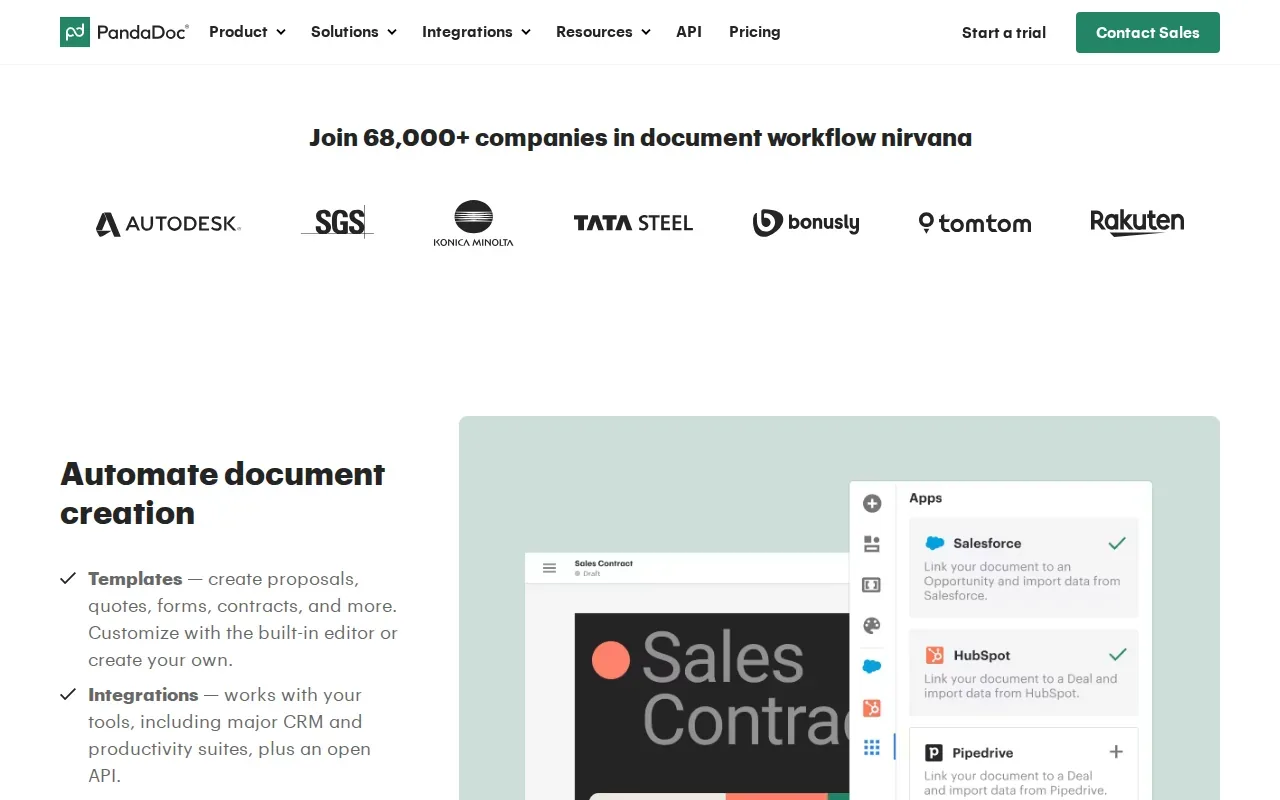
Its listed plans include a free eSign plan, Essentials at $19 per month, and Business at $49 per month. PandaDoc also lists automatic signing-date entry, which can reduce a small manual step when preparing repeat documents.
The broader workflow can matter if your team needs to build a proposal, review it, then request a signature in the same system. But that scope may be more than you need if your only task is collecting signatures on finished files.
PDFOutput solves a different problem. We connect Notion database records to document templates, so a team can generate a filled document without copying each record into a file by hand. It may fit when creating the document is the slow part, and signature collection is only one step after that.
2. Dropbox Sign: straightforward online signing
Dropbox Sign focuses on online signing. Its interface is described as easy to use, so it may suit a team that wants to send signature requests without setting up a broad agreement system. For more guidance on selecting a signing workflow for a smaller team, see our guide to e-signature software for small business.
Dropbox Sign has a free plan with three sends per month and unlimited self-signing. Consider whether that sending allowance fits your team’s needs before choosing a plan.
Dropbox Sign includes bulk send, which can help when the same request must go to many recipients.
Dropbox Sign’s listed connections span dozens of apps. That may help if your current work already runs across connected services. It does not, by itself, answer the Notion document-generation question: do you need to create a filled file from a database record before asking someone to sign?
For small teams, it is useful to distinguish signature needs from document-generation needs.
3. airSlate SignNow: templates and bulk signing workflows
airSlate SignNow is an e-signature option with templates and bulk invitation workflows. It may suit teams that send repeat documents and want to route those files for signing with less manual setup.
Business is listed at $8 per user per month with annual billing. Monthly billing is listed as $20 per user per month. Business Premium is $15 per user per month with annual billing. Compare the billing term as well as the monthly figure; the stated annual and monthly rates differ.
Its listed automation details include templates, an API, conditional logic, and bulk invites. Conditional logic means a workflow can respond to a field or choice in a document. For example, a team might need different forms based on a selected request type, though the exact setup depends on its process.
Consider this option when your primary task is sending files to signers, especially if the same template is reused. If your team first needs to turn Notion records into branded PDFs, treat that as a separate requirement and test the full path from database entry to signed copy.
That distinction matters in day-to-day work. A signature tool can route a document, while a document generator fills the document from your stored data. Some teams need both jobs covered.
4. Zoho Sign: e-signatures with multiple plan tiers
Zoho Sign is a signing tool with several plan tiers. It may fit a business already using Zoho products, or a team that wants to match its signing volume to a specific plan.
The free plan includes five envelopes per month for one user. Standard is $10 per user per month with annual billing, and Professional is $16 per user per month with annual billing. Zoho Sign also has an Enterprise tier. Prices and features can vary by plan, so confirm the current terms before choosing.
Its workflow features include native CRM integration, bulk send, and payment collection. A CRM connection may matter if sales records already live in that system and signing should follow a deal. Bulk send can help with repeated requests, while payment collection may be useful when the signed document is part of a payment step.
Zoho Sign is designed for signatures on prepared documents. If your team keeps the source records in Notion, the question is whether a separate tool should prepare the file first. PDFOutput connects Notion properties to template placeholders, then generates a document from the selected record.
For a simple test, take one real form or agreement and follow it through the whole process. Note where the file begins, who needs to approve it, and where the completed copy must end up.
5. SignWell: a free entry point for lighter signing needs
SignWell has a free plan for up to three documents per month. It may suit a freelancer or small team that sends only a few documents for signature and wants to try a signing workflow before paying.
Its Personal plan is $8 per month, while Business is $24 per month. SignWell offers templates and signing. Check the current plan terms against your expected monthly volume before making a decision.
The free cap gives you a clear test case. Try a real document with the people who will send it and sign it. Pay attention to whether the steps are clear for both sides, not only the person who set up the account.
SignWell is an e-signature option, not a Notion database document generator. If repeated copying into a template is your main source of delay, consider whether generating the file from a Notion record would remove that step before you choose a signing plan.
A free plan can be useful for light use. A recurring business process needs a volume check, especially when several staff members share the work.
6. Signaturely: basic e-signing with a free plan
Signaturely provides basic e-signing and has a free plan. It may suit a person or small business that wants a straightforward way to handle occasional signature requests.
The automation features include templates and cloud-storage integrations. Templates can reduce repeated setup for documents with the same layout. A cloud-storage connection may help keep signed files near the rest of a team’s records, depending on the services in use.
Think about the whole handoff. Who prepares the document? Where does its data come from? Who signs it, and where should the signed file be stored? If the answers involve repeated copy and paste from Notion, signing alone won’t remove that work.
Choose this kind of tool when the file is ready and the task is to collect signatures. Look elsewhere for the step that builds the file from database data.
7. Secured Signing: digital signatures with API integration options
Secured Signing is a digital signature solution with API integration options. It may suit teams that need to connect signing to a custom workflow, particularly when a developer can help with the integration.

Secured Signing offers API integrations for advanced workflows. An API lets software exchange information through defined requests. That can support a tailored process, but a team should map the needed steps first and confirm that the API supports them.
The options below have different prices and free-plan details, so compare the terms that apply to your workflow.
| Option | Useful fit from the listed details | Price or free-plan detail |
|---|---|---|
| PandaDoc | Document workflows with e-signatures | Free eSign; Essentials $19/user/month and Business $49/user/month, annual billing |
| Dropbox Sign | Online signing, bulk send, templates, and API options | Free for three sends/month; paid plans from $15/month |
| airSlate SignNow | Templates, conditional logic, bulk invites, and API | Business from $8/user/month, annual billing |
| Zoho Sign | CRM integration, bulk send, and payment collection | Free for five envelopes/month; Standard from $10/user/month, annual billing |
| SignWell | Occasional signing and templates | Free for three documents/month |
| Signaturely | Basic e-signing, templates, and cloud-storage integrations | Free plan available |
| Secured Signing | Digital signatures with API integration options | Confirm current plan details for your workflow |
If the signed output should be made directly from Notion data, PDFOutput can generate an e-signed PDF in a Notion database.
PDFOutput is a document automation platform for Notion users. It can use a Google Doc, Word file, PDF, or Notion page as a template, then create PDFs, Google Docs, or PPTX files from database data. Its Notion PDF generator supports a different starting point from the signature tools above: your Notion record.
For teams that want to keep the workflow inside Notion, PDFOutput can generate files through a database button or status property. Status choices include Ready to Generate, Generate Page, Generate PDF and Doc, Generate E-Signed Doc, and Preview. We also support batch generation, relations and rollups across databases, and Google Drive storage. PDFOutput uses subscription plans with monthly or annual billing.
Electronic and digital signatures are related terms, but they don’t always mean the same thing; teams with legal or compliance needs should check the rules that apply to their documents and location.
Frequently Asked Questions About DocuSign Alternatives
What is the cheapest DocuSign alternative?
airSlate SignNow has the lowest stated paid entry price in this list at $8 per user per month with annual billing. SignWell also has a free plan with three documents per month, while Dropbox Sign offers three sends per month at no cost. Compare the limits and billing terms, not only the starting price.
Which DocuSign alternative has a free plan?
Several options here have a free plan. PandaDoc has a free eSign plan, Dropbox Sign includes three sends per month, Zoho Sign includes five envelopes per month, and SignWell includes three documents per month. Signaturely also has a free plan. Check each plan’s current limits before moving a business workflow onto it.
Can I generate signed PDFs from a Notion database?
Yes. PDFOutput can use Notion database properties to fill a template and generate an e-signed PDF in the database. You can trigger document creation with a button or status property. This setup is aimed at creating the document from Notion data, while a dedicated e-signature platform may suit teams that mainly need to route finished files.
How do I choose between an e-signature tool and document automation?
Choose an e-signature tool when your documents are ready and your main task is getting them signed. Choose document automation when staff repeatedly copy data from a database into forms, contracts, or invoices. If both steps matter, map the path from record creation to signed file storage, then confirm which parts each tool covers.
Conclusion: Match the alternative to the document workflow
Pick a signing tool based on your sending volume, templates, and workflow needs. If the document itself must be generated from Notion data, start with one database and one template in PDFOutput, then test a complete record-to-file workflow before expanding it.