Compare
ClickUp vs Notion: Cost, Control, and Fit
Compare ClickUp vs Notion for tasks, docs, databases, automations, and cost. Learn which fits your team and how to generate PDFs from Notion.
By Sanat Biswal · 2026-11-09 · 10 min read

{/ synced-from-notion — do not edit manually /}
ClickUp vs Notion comes down to where your work starts: ClickUp centers on tasks, while Notion centers on pages and databases. Both can automate parts of team work, but neither is built for bulk, template-based PDF generation from database records. Here’s how to choose, and where a separate Notion document workflow can help.
ClickUp vs Notion at a Glance
ClickUp is a work management tool built around projects and tasks. Notion is a flexible workspace built around pages, with databases that can support tasks and project tracking. The difference shapes how each tool feels when your team opens it each day.
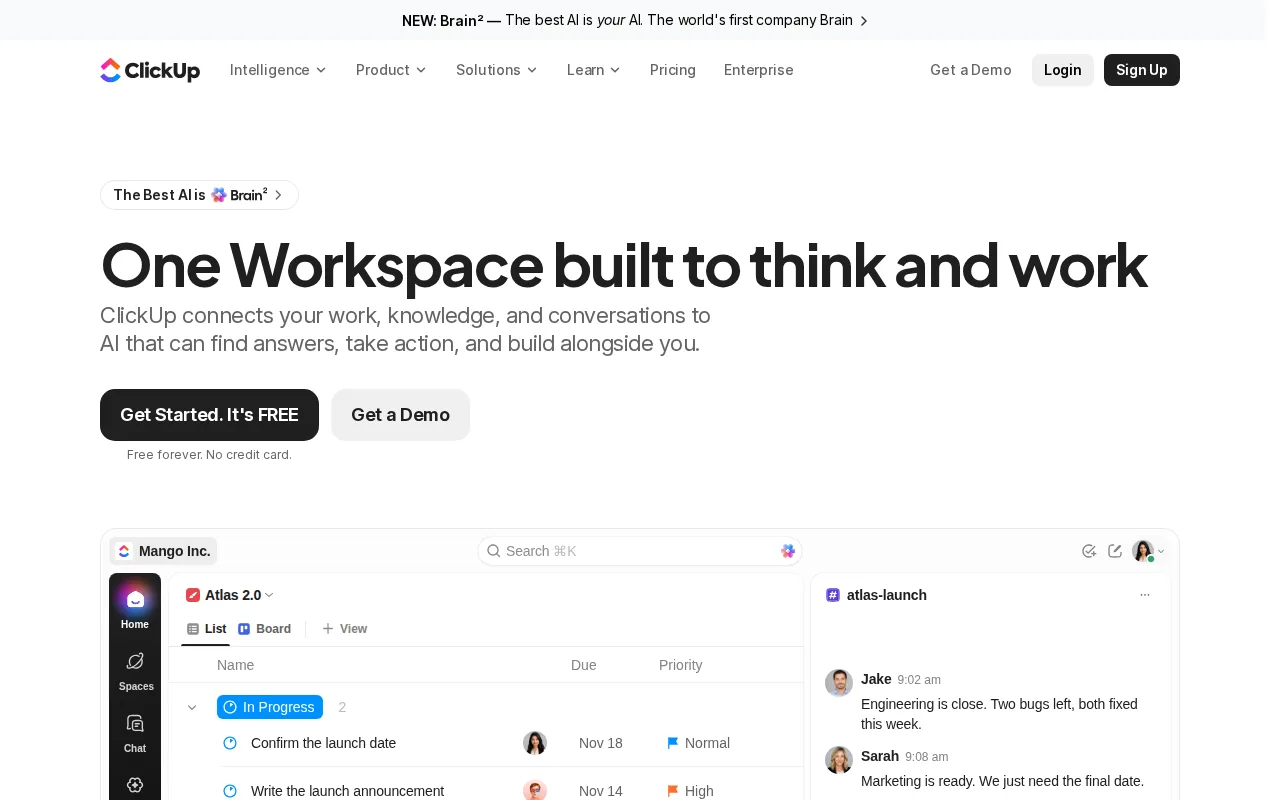
In ClickUp, work sits in a hierarchy of workspaces, spaces, folders, lists, and tasks. Notion starts with a page. You can add text, a database, or a view to that page, then link it to other parts of the workspace. ClickUp’s own product guide to ClickUp and Notion describes this core split: task-first versus document-first.
| Decision point | ClickUp | Notion |
|---|---|---|
| Starting point | Tasks and project structure | Pages and databases |
| Project work | Built for task ownership, schedules, and project views | Works well for lighter tracking built with databases |
| Docs and wikis | Docs sit alongside project work | Pages and linked knowledge are central to the workspace |
| Automation pattern | Task workflows built around triggers, conditions, and actions | Database automations can change properties or trigger actions |
| PDF workflow | Not designed for bulk, template-based PDFs from database records | Page export can work for a one-off; bulk mail-merge needs a document tool |
| Fits when | Project execution needs structure | Knowledge and flexible records lead the work |
If Notion is already where your team keeps client or operations data, a separate document workflow can fill the gap without moving those records. Our guide to a Notion automation workflow for PDFs explains how database fields can feed a finished document.
> 📌 Key Takeaway: Choose based on where your team does most of its work, not on which workspace has more buttons.
Project Management, Tasks, and Team Control
ClickUp puts tasks at the center. Teams can organize work into lists and use different views to see tasks by status, owner, or schedule. Its project tools include sprint planning, dependency management, workload views, and time tracking. That structure helps when a deadline depends on several tasks being done in order.
Notion can track tasks in a database. A task can hold details on its page, and the same records can appear in views such as a table, board, calendar, or timeline. This works for a content plan or a simple client onboarding process. But if a team needs formal sprint reporting or linked task dependencies, it may need to build more of the system itself.
Think about a product launch. A ClickUp team can assign owners and track work across project views. In Notion, a team might keep the launch brief beside a database of deliverables, then shape views around its process. The first approach starts with delivery control. The second keeps project records close to the knowledge behind them.
ClickUp can feel more structured because its task hierarchy sets a clear place for work. That can help teams with many active projects, though the setup asks people to learn more levels and controls. Notion’s page-based layout feels open and can be easier to shape around a team’s language. The trade-off is that someone must keep databases and views tidy as the workspace grows.
Don’t judge either tool from a blank workspace. Test the same small project in both: assign an owner, set a due date, record a change, and review progress. Note how many clicks each person needs and whether the manager can spot delayed work without asking for an update.
Documentation, Knowledge Bases, and Databases
Notion is a natural fit when a team’s work begins with written knowledge. Policies, meeting notes, client records, and project briefs can sit in pages and connected databases. Database views let people look at the same records in different ways. Relations connect records across databases, while rollups summarize information from linked records.
That structure can support a basic CRM or an operations hub. For example, a supplier database can connect to orders, and an order can link to a delivery record. Staff can open the page for context, then use a filtered view to see the records they need. The value depends on sound setup: vague property names or loose relations make the workspace harder to maintain.
ClickUp Docs work well when a written brief needs to stay close to the task it informs. A team can connect a decision to the work that follows it. But a large reference library organized through nested pages and linked records may feel more at home in Notion. Pick the structure that matches how people search for answers.

There’s a separate issue if your records need to become formal documents. A database may hold invoice fields, line items, or client details, but exporting a page is different from merging those fields into a branded file. If that is your daily task, see our guide to a Notion document workflow with templates and approvals.
PDFOutput connects Notion database properties to placeholders in a template. A placeholder such as {{Client_Name}} can be matched to a property with the same name. The resulting file can use information from related databases and rollups when those records are connected in Notion.
For teams that only share a page now and then, manual export may be enough. For a school sending certificates or a real estate office preparing repeated client documents, a template workflow can reduce copy-and-paste work and keep each file tied to its database record.
Automation and Document Workflows
ClickUp automation follows a task workflow. A trigger starts an event, conditions narrow when it should run, and an action updates work. That model suits repeat project steps, such as changing a task when its status changes. ClickUp also presents automation templates for project work.
Notion automations work with database changes. They can update properties, add pages, send notifications, or send a webhook to another service. A webhook is a message sent to a web address when an event occurs. Notion’s database automation guide-best-app-for-startups) explains its triggers and actions, including page and property changes.
These tools can move information through a workflow, but PDF creation is a different job. A team that needs a signed agreement or a batch of certificates needs a document template, field matching, and a place for the finished files. A status change by itself does not lay out a PDF or merge database values into a document.
PDFOutput is designed for this Notion-to-document step. It accepts a Notion page, Google Doc, Word file, or existing PDF as a template. Matched placeholders pull values from the database, and the output can be a PDF, Google Doc, or PPTX. Teams can generate files in batches and use connected databases, relations, and rollups for records with line items.
How PDFOutput triggers PDF generation in Notion
After the database and template are connected, PDFOutput can add a button or a status property to the Notion database. A button is useful when a staff member checks a record and wants to generate its file on demand. A status can mark a record for processing as part of a repeat workflow.
- Ready to Generate: Creates a PDF.
- Generate Page: Converts a Notion page to PDF.
- Generate PDF and Doc: Creates a PDF and Google Doc.
- Generate E-Signed Doc: Creates an e-signed PDF in the database.
- Preview: Creates a Google Doc preview before final PDF generation.
> 💡 Pro Tip: Test one record with a complete set of fields before turning on a batch workflow. Check the file name, layout, and linked line items first.
When ClickUp or Notion Is the Better Choice
Choose ClickUp when project control is the main need. Its task-first setup can suit teams with work that moves through owners, dependencies, and deadlines. It may also fit when managers need project views that are ready to use instead of built from a blank database.
Choose Notion when the team’s shared knowledge matters as much as its task list. Pages and databases can shape a handbook, CRM, or client workflow in one workspace. The team gets room to tailor the structure, but it also needs someone to maintain that structure.
For cost, compare the full workflow rather than a single plan price. Check how many people need paid access, which project features are needed, and whether you’ll add a separate service for document generation. PDFOutput uses monthly or annual subscription plans, so include that cost only if recurring Notion documents are part of the work.
We recommend testing one real process before moving a whole team. Use a task-heavy project for ClickUp and a knowledge-heavy workflow in Notion. If your Notion records also produce invoices, quotes, reports, or certificates, test one complete PDFOutput template from record entry through file delivery. That will show whether the tool chain fits without asking staff to repeat work by hand.
Notion can be especially useful when a business wants to manage client records and the documents tied to them in one flow. Our Notion CRM setup guide covers how a database-based client workflow can work.
Frequently Asked Questions
Is ClickUp or Notion better for project management?
ClickUp is usually the stronger fit when projects need detailed task control. It is built around tasks and includes project views for work planning. Notion can manage lighter projects through databases, boards, calendars, and timelines. If your team needs detailed dependencies or sprint reporting, test those exact needs before choosing.
Can Notion generate PDFs automatically from a database?
Notion database automations can respond to record changes, but they don’t create bulk, template-based PDFs by themselves. A dedicated document workflow can map database properties to template placeholders and generate files. PDFOutput can return PDFs to a Notion database and support batch generation for repeated documents.
Can ClickUp replace Notion for documentation?
ClickUp Docs can keep project briefs and team documents close to related tasks. Notion is a stronger fit when the main need is a flexible knowledge base with pages and connected databases. Try a nested policy set and a structured record collection in both. The test shows whether your team needs a page library, database behavior, or both.
Can I use ClickUp and Notion together?
Yes, a team can use ClickUp for project execution and Notion for shared documentation. That split can work when each tool has a clear role. Before connecting them, decide which system owns task status and which owns reference content. Otherwise, people may update the same information in two places.
When is PDF automation worth setting up?
PDF automation is worth testing when staff repeatedly create similar files from database records. Common examples include invoices, certificates, quotes, and client documents. If you make only occasional PDFs, manual export may take less effort. If batches or exact field matching matter, test one template and compare the steps with your current process.
Conclusion
Choose ClickUp for structured project execution and Notion for knowledge-led work built around pages and databases. If your team keeps its records in Notion and regularly turns them into PDFs, test one template in PDFOutput and trigger it from a database button or status.