Tips & Tricks
5 Tips for Designing Professional PDF Templates
Create stunning, professional PDF documents with these Google Docs template design best practices.
By Sanat Biswal · 2026-03-22 · 4 min read
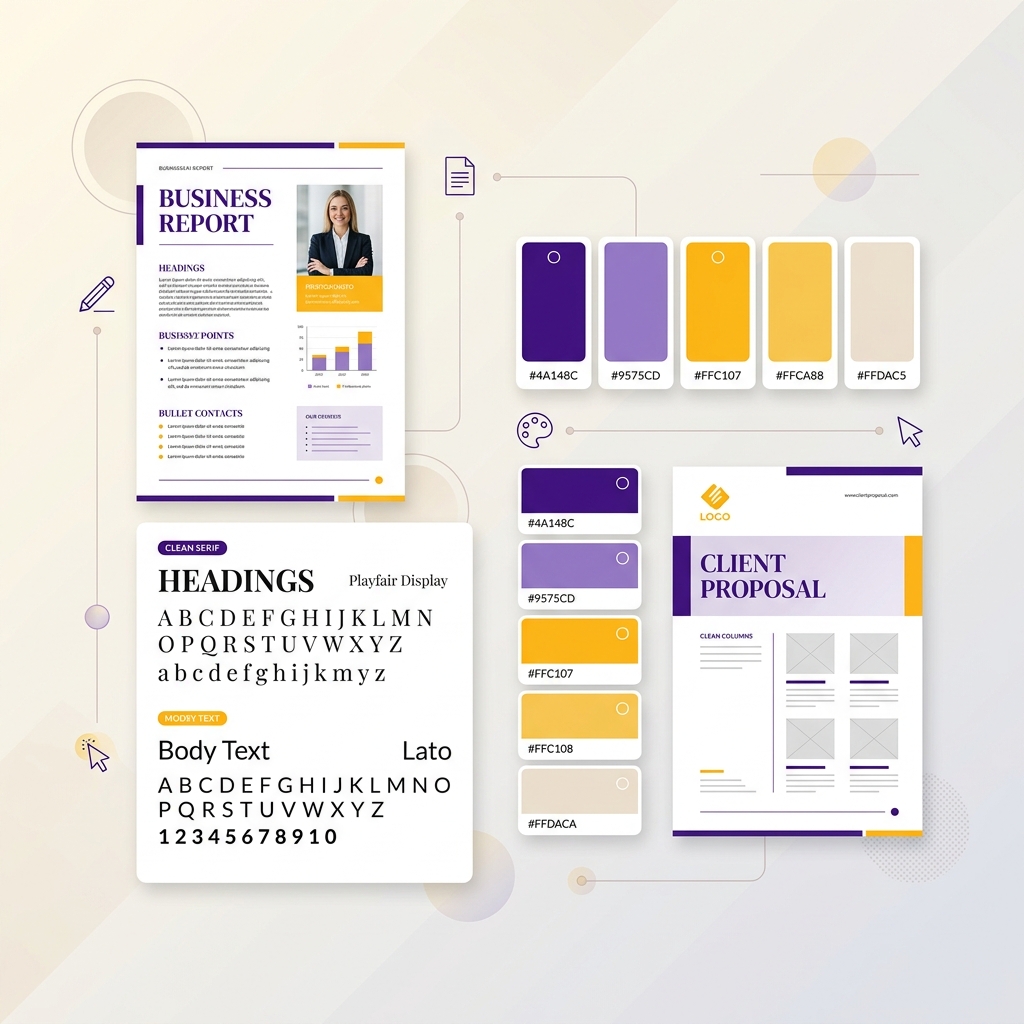
Make Your PDFs Stand Out
A well-designed template is the foundation of professional-looking automated documents.
1. Use Consistent Typography
Stick to 2-3 fonts maximum. Use a professional font like Roboto or Open Sans for body text.
2. Add Your Brand Colors
Incorporate your brand's color palette into headings, borders, and accent elements.
3. Structure with White Space
Don't overcrowd your template. Use generous margins and spacing between sections.
4. Include Dynamic Elements Strategically
Place your placeholders where they flow naturally in the document.
5. Test with Real Data
Before activating your automation, test with actual data from your Notion database.