Guides
Complete Guide to Notion Property Types in PDFOutput
Understand how every Notion property type maps to your PDF templates — from text and numbers to relations and formulas.
By Sanat Biswal · 2026-04-02 · 7 min read
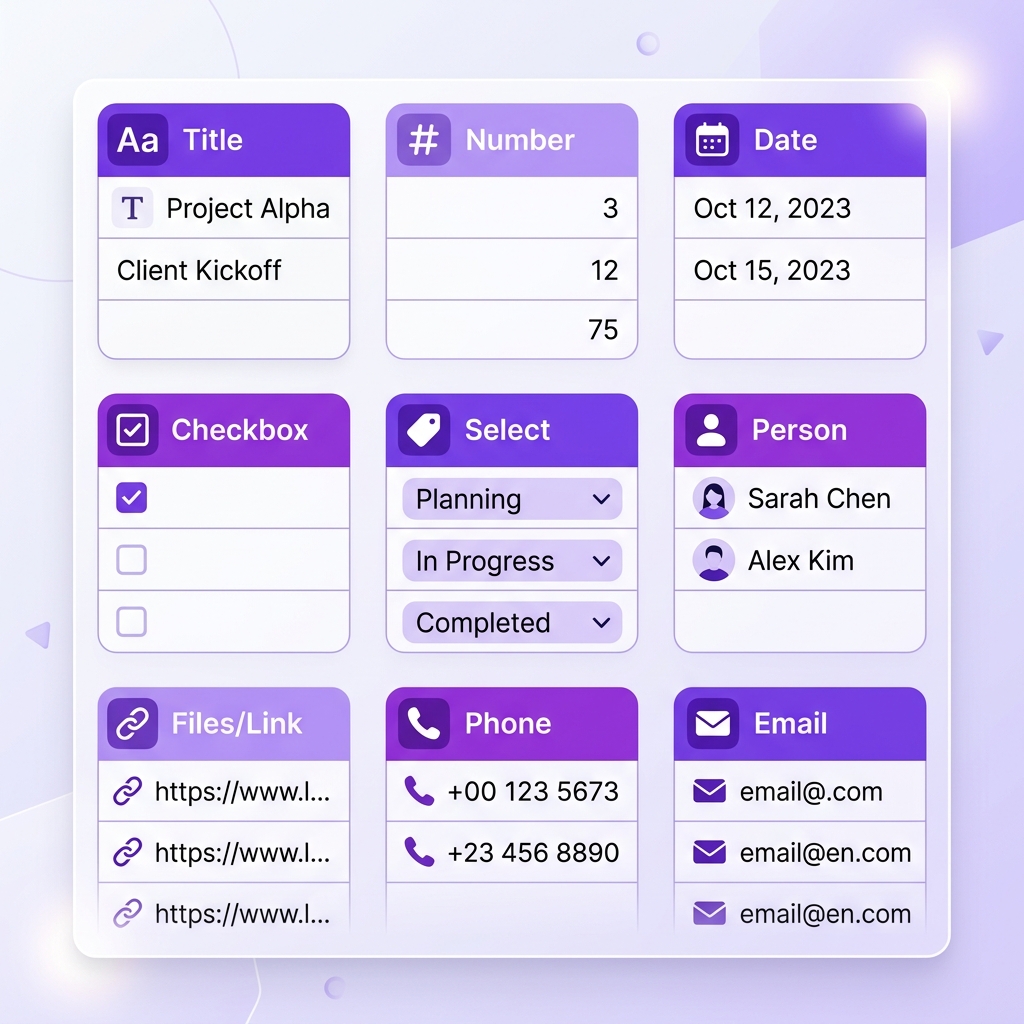
Mastering Notion Property Types
PDFOutput supports a wide range of Notion property types. Understanding how each one works will help you create more powerful automations.
Text-Based Properties
Title, Rich Text, Email, Phone, and URL properties render as plain text.
Number & Date Properties
Number and Date properties are formatted automatically.
Selection Properties
Select, Multi-Select, Status, and Checkbox properties render as their values.
Advanced Properties
Formulas render as computed results. Relations list the titles of related pages. Rollups show aggregated values.